New from Anthony Hayes: Aha Studio
Get found by the people searching for what you sell.
Build in Public · #17
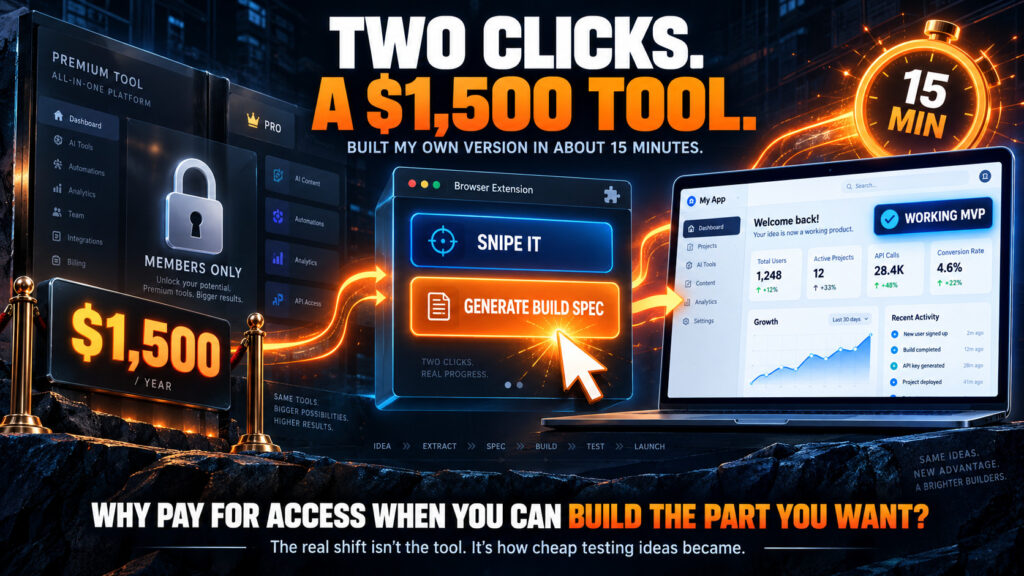
In the last week I built seven or eight tools by sniping other people’s products, most of them just for my own use. One of them sits behind a paid program elsewhere. It took two buttons, and it was not even the best thing I built. It is only Monday.
People keep asking what I mean when I say I “sniped” a tool. So here is the whole thing: what product sniping is, the two buttons I actually press, how long it really takes, and everything that came out of it in the last seven days.
Find this useful? Add us as a preferred source on Google and more of what we publish will show up in your results.
What product sniping actually is
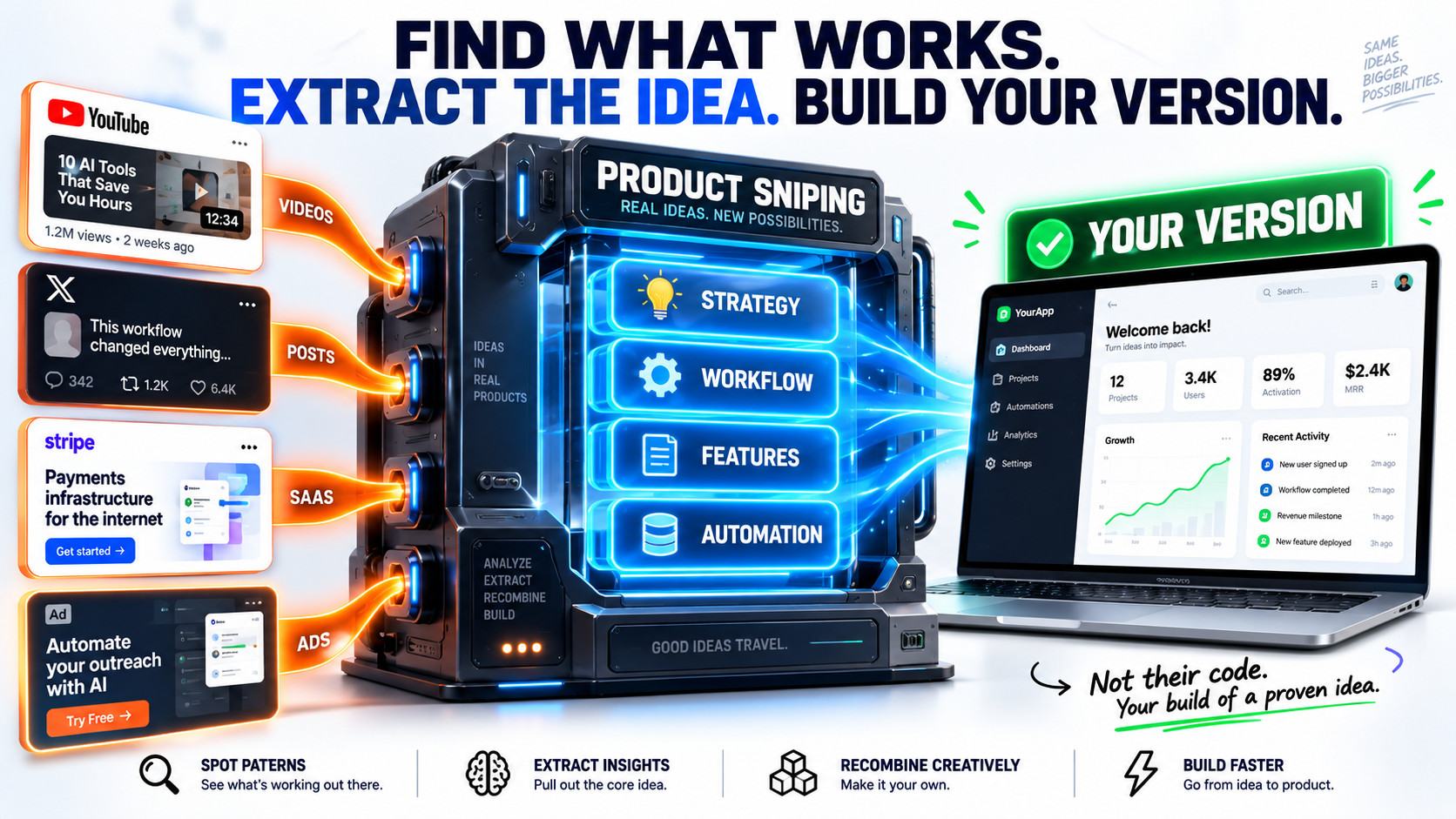
Product sniping is simple. You find a tool or a strategy that is already proving itself, somewhere someone is showing it working, and you build your own version of it. Not a copy of their code. Your own build of the idea, shaped around the way you work.
The source can be almost anything. A YouTube walkthrough. An X thread. An ad that keeps following you around. What you are looking for is proof: somebody is paying for this, or somebody is getting a result from it that other people want.
The hard part used to be the gap between “that is a good idea” and “I have a working tool.” That gap used to mean weeks and a developer. Now it is the part that takes fifteen minutes.
The two buttons that do almost all of the work
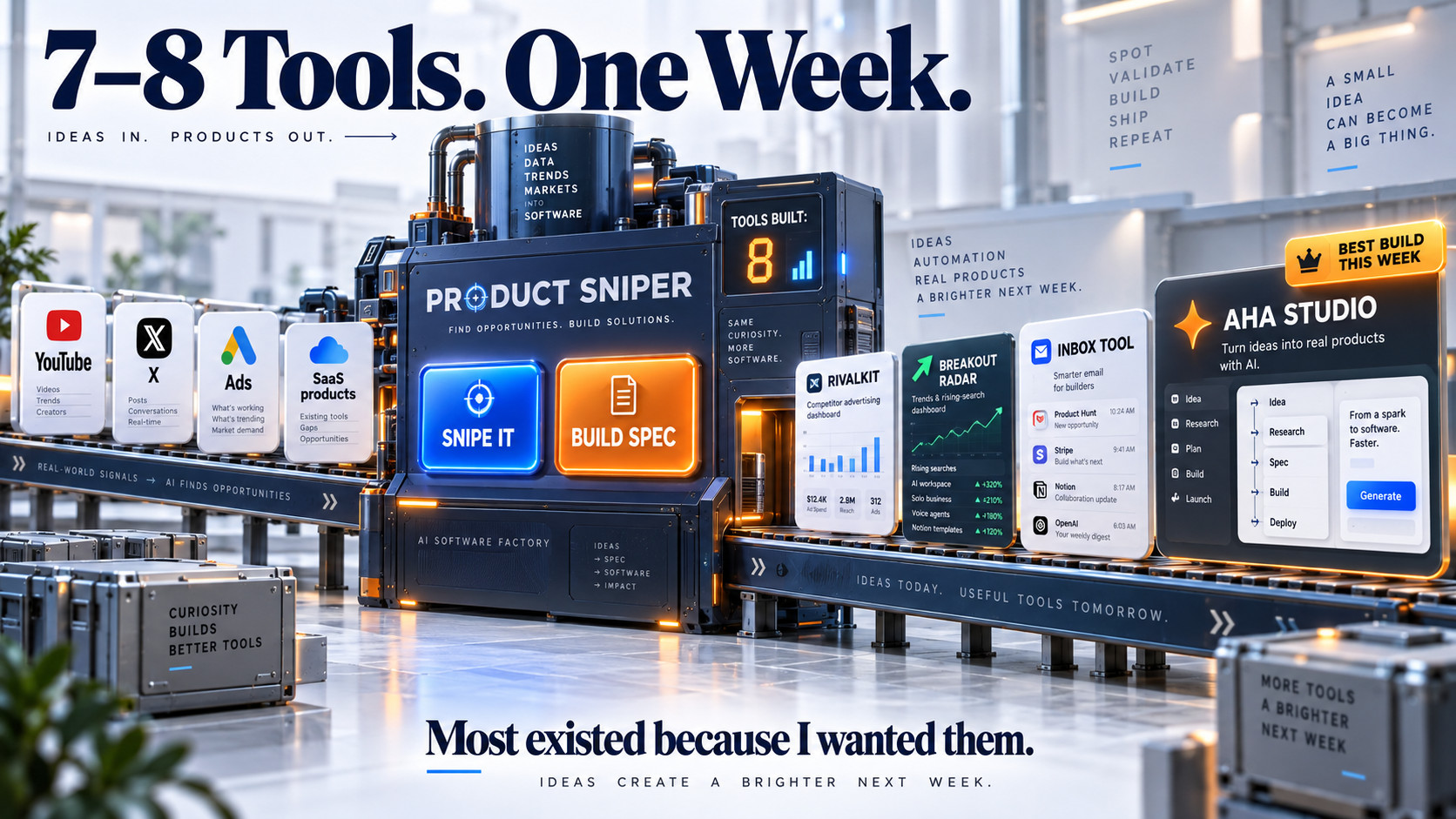
Product Sniper is the Chrome extension I built for members of Evergreen. It does more than I use day to day, but when I am building, I only press two buttons.
- Snipe it. Open the video, thread or page and let Product Sniper read it. For a YouTube video it pulls the transcript. Snipe it turns that into a breakdown: what the strategy is, what a tool would need to do, the features, what can be automated, and the risks worth knowing about before you start.
- Generate build spec. That breakdown becomes a build spec written for Claude Code: what to build, how the parts fit together, and the order to build them in. Every spec now opens with the buyer’s core desire before any of the technical sections, so the tool is grounded in what someone actually wants rather than a list of features.
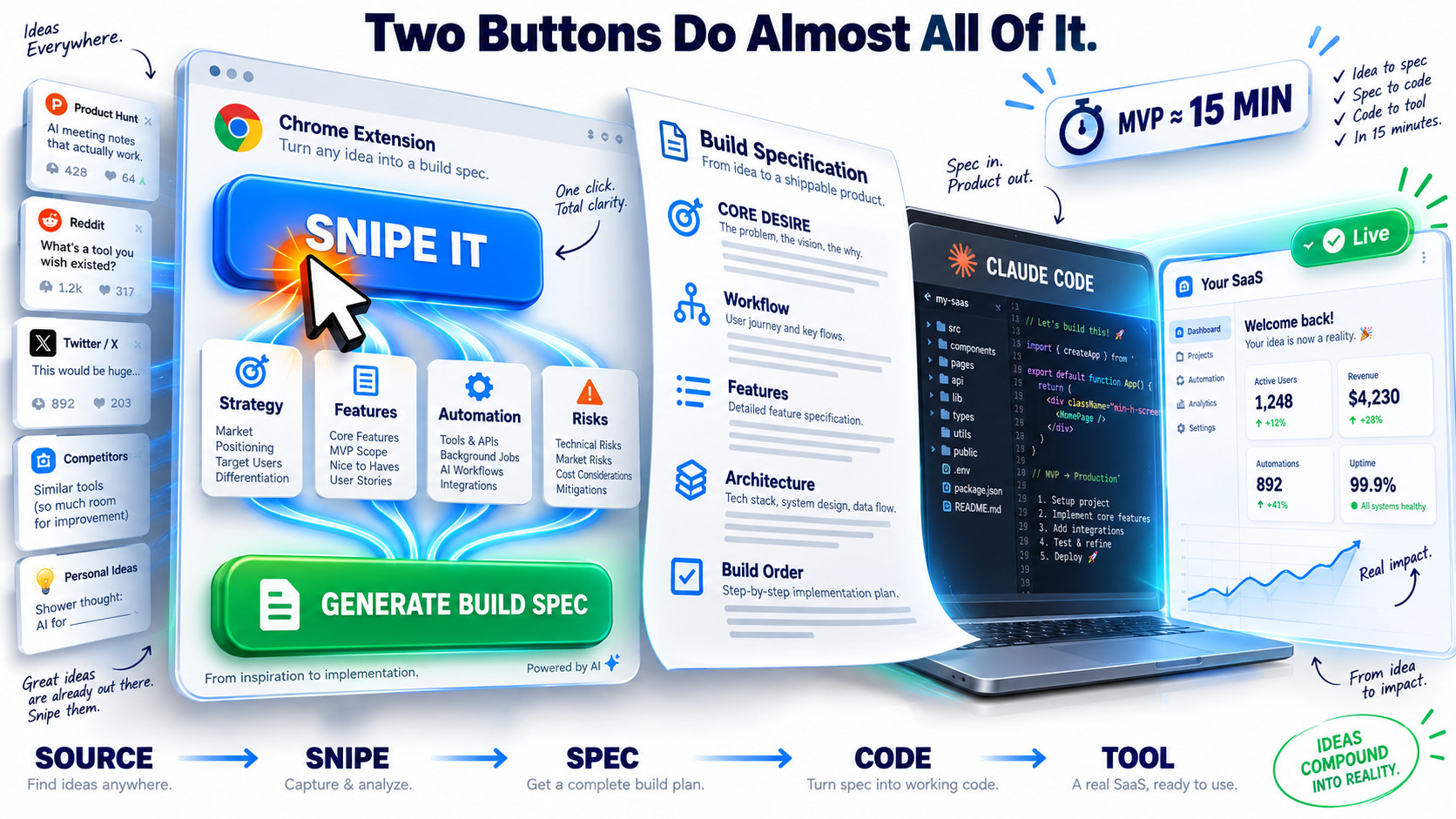
That spec is enough to build a minimum viable product. From there I take it further with a few more prompts, testing as I go.
Fifteen minutes to an MVP, then the real work
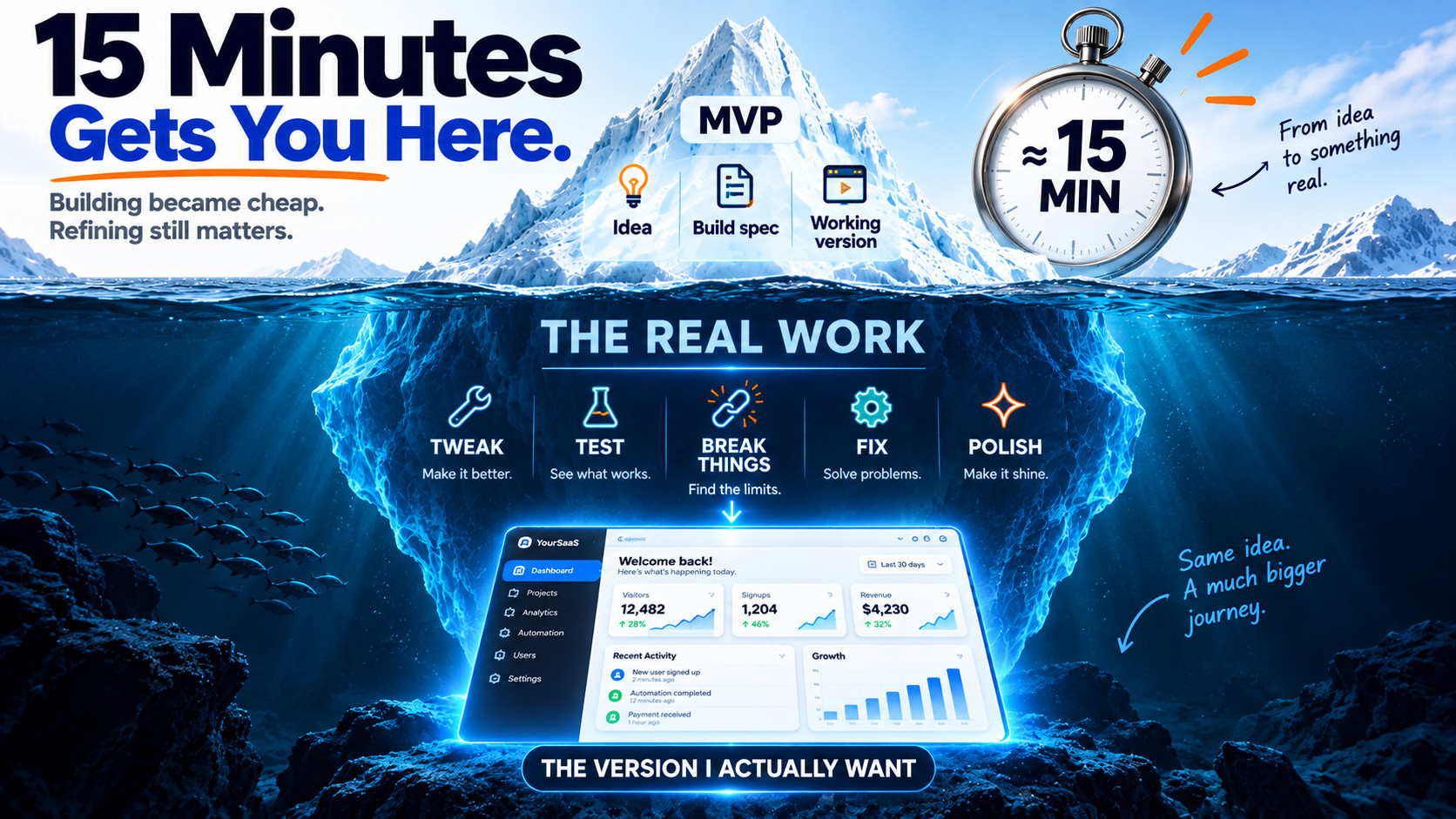
An MVP in about fifteen minutes is real. It is also not the whole story. Tweaking, testing and polishing adds another hour or two on top.
That second part is where the tool becomes mine. The first build does the job. The polish makes it do the job the way I work, and catches the things you only find by using it.
The one I built and will not sell
One of this week’s builds came from a YouTube video by Lead Gen Jay, Why Your Emails Land in Promotions (The $10K Hidden Fix). It is about why marketing emails get filed into Gmail’s Promotions tab, and a method some marketers use to shift them into the primary inbox. In the video he says a marketer quoted him around $10,000 to install that system, and his own version sits inside his paid program.
For me, getting access would have cost about $1,500. To be fair, that buys a lot more than one tool. But I only wanted the one tool, and I built my own version of it, for my own use, in two clicks.

He was also unusually open about it. Near the end he tells viewers, “Give your AI a transcript for this YouTube video. I don’t care.” That is about as clear an invitation to snipe something as you will ever get.
So why am I not selling it or giving it away? Because it is a little too grey hat. Jay says so himself in the same video: there is a version of the method that is plain deception, and it only helps emails move from Promotions to the inbox, not out of spam. That is a tool I am happy to test on my own sending. It is not one I want other people relying on.
The rest of this week’s builds
The same two buttons produced a few more this week that are worth mentioning:
- RivalKit. Sniped from a Google Ads walkthrough on YouTube. Give it one competitor’s name and website, and it builds a full competitor campaign kit: a grouped keyword list with the long-tail terms flagged as the place to start, comparison ad copy that stays inside ad policy, and a comparison landing page draft.
- Breakout Radar. Sniped from an X article by Borja. It works inside Google Trends: leave the keyword box empty, pick a business category, and it collects the rising and breakout searches into a scored shortlist, then tells you whether each one is growing, falling, seasonal or a spike that is already fading.
- Aha Studio. This is the best thing I built this week, and it is mine. I saw a product advertised on X claiming $4 million a year in revenue. That is their number, not mine, and exactly the kind of claim I keep a skeptical eye on over on the MRR Monitor. I sniped the idea and built my own version, different and more powerful. It has not been released yet. I am moving it into Claude Code now to get it the way I want it and ready for launch, and I will start showing what it can do in a couple of weeks.
Meanwhile, the newsletter is giving tools away
Last week I moved my newsletter from Kit to beehiiv, and removed thousands of subscribers who never opened or clicked along the way. A new sending address needs warming up with people who actually want to hear from you, so this week every email gives something away:
- Day 1: The Preferred Sources Button, a free WordPress plugin.
- Day 2: KeywordIntent, my premium keyword tool, with free access.
- Day 3: The SaaS SEO Factory, which maps the comparison and “best of” pages a software site should have, writes the content, and hands you the HTML for your footer. I wrote about why I built it.
- Day 4: Affiliate Profit Finder. It looks for products that are converting but are not getting much traffic or affiliate support, which leaves you far less competition when you promote them. I have done this more times than I can count, and hit four-figure promotions doing it.
- Day 5: A high quality countdown timer tool.
- Day 6: OKF Architect, a free Chrome extension that turns any web page into an Open Knowledge Format bundle your AI can read. No key needed, and it runs in your own ChatGPT or Claude.
- Day 7: The SEO & Content ROI Calculator, which turns keyword volume or visitors into conversions, revenue, payback and ROI, with conservative, expected and optimistic scenarios.

My Take: I built a Chrome extension this week that would have cost me $1,500 to get access to. To be fair, that $1,500 buys a lot more than one tool. But I got the part I wanted, in two clicks, and it is exactly the kind of thing I would never have bothered with back when every build needed a developer and a few weeks. That is the real shift. Seven or eight tools in a week, most of them just for me, because the cost of testing an idea has dropped to about fifteen minutes. The other lesson is less obvious. My best build this week started in Codex, and I am moving it to Claude Code. Not because Codex is bad, but because Claude already knows how I work. Not everything fits in an md file. The important, unique details get picked up during builds, over time, and that context is worth more to me than any single feature.
Free WordPress plugin
Let your readers choose you in Google
Google now lets people pick the sources they want to see more of. I built a free plugin that adds the Preferred Sources button to your site quickly and simply, so the people who like your content can see more of it as you publish.