Keyword Research › Keyword Research Fundamentals
Keyword research
Use this 12-step checklist to move from a topic idea to a reviewed keyword set. You’ll sort broad and narrow questions into a page plan before you create content.
A single topic can call for several distinct pages: one broad page and supporting pages for narrower questions.
Keyword research helps you sort those ideas, understand what people are looking for, and plan the right pages. This checklist takes you from a topic to a reviewed set of search terms and a plan for the content they support.
You’ll finish with a reviewed keyword set and a plan for the pages it supports.
I’m Tony Hayes. I’ve been building marketing software since 2011, and today I build everything with AI, without writing code myself.
Here’s the checklist, broken into 4 sections and 12 steps.
We’ll set the scope, find and check keyword ideas, shape the list into a page plan, then review and hand off the keyword set.
The checklist at a glance
| Section | Steps | Focus |
|---|---|---|
| Set the scope | 1 to 3 | Define purpose, audience, seeds |
| Find and check ideas | 4 to 7 | Expand and assess keywords |
| Shape a page plan | 8 to 10 | Group phrases and plan pages |
| Review and hand off | 11 to 12 | Record decisions and review |
Find this useful? Add us as a preferred source on Google and more of what we publish will show up in your results.
Set the scope before collecting keywords
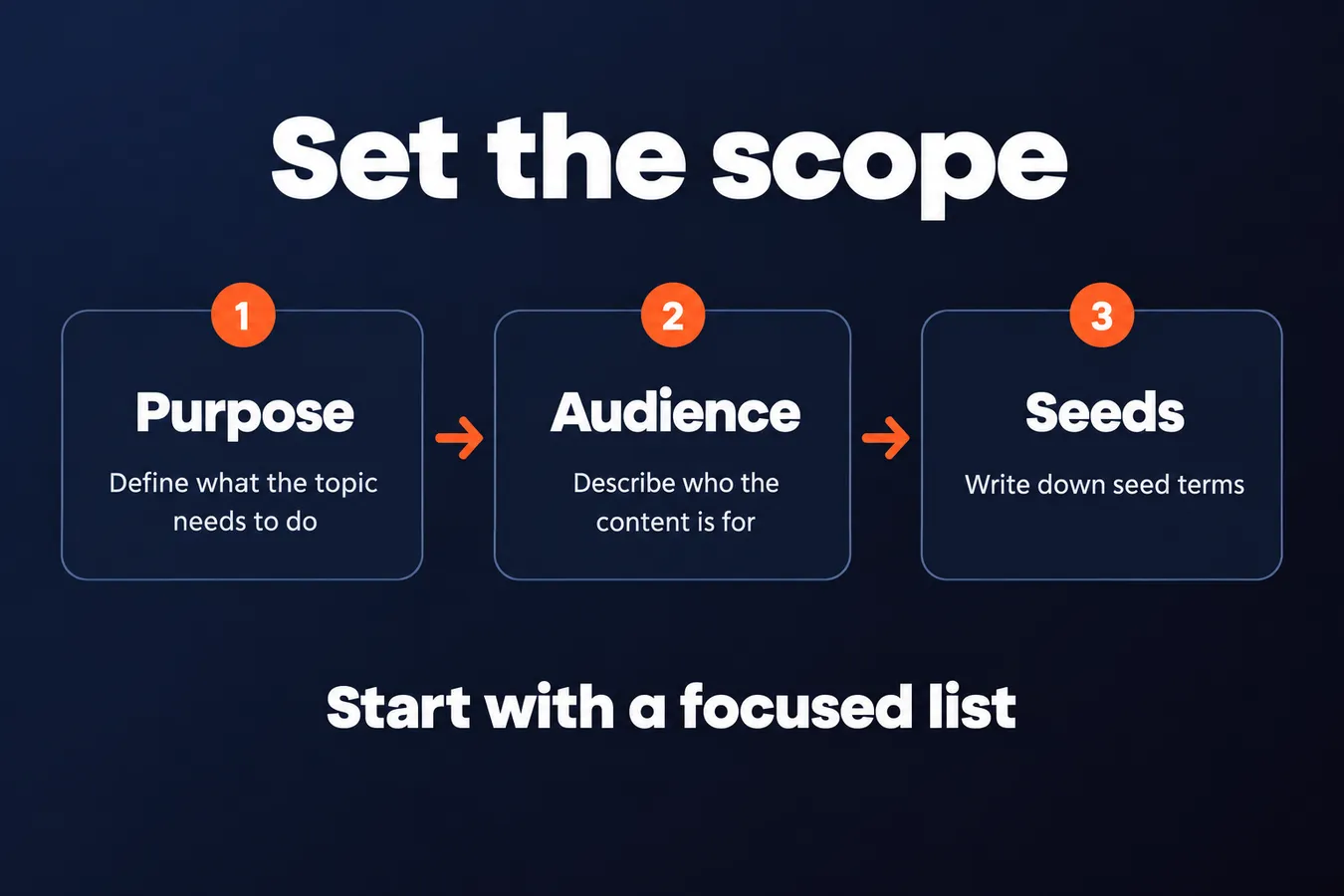
1. Define what the topic needs to do
Write down the topic, who the content is for, and what you want readers to do with it. A clear purpose gives your keyword research a boundary, so the list stays connected to a real content or business need.
That goal could be explaining a service, attracting relevant visitors to your website, or answering a customer question. Keep the scope narrow enough to research and broad enough to cover the main questions around the topic.
Give the research a job before you build the keyword list.
I’ve been building marketing software since 2011, and I start with the purpose of the page. It gives every keyword a reason to be there.
2. Describe the audience and its questions
Write down what your audience already knows, what it wants to learn, and what could hold it back from taking the next step. These details give you useful angles for your keyword research and help you create content that speaks to actual needs.
Look through customer questions, support requests, and conversations when you have them. Keep those observed questions separate from your assumptions, so you know which ideas came from people and which need more research.
Use the audience’s words as your starting point.
A question someone has asked your business is a concrete seed for research. An assumption is still useful, but label it clearly.
3. Write down seed terms
Start with a small list of seed terms that describe the topic from different angles. Add the plain-language name for it, related services or products, and common problems people connect with it.
Then add useful variations, such as beginner questions, comparisons, and searches focused on completing a task. This gives you several paths to explore when you look at search patterns.
Seeds prompt further research.
Keep the first group focused. You’re setting up a repeatable keyword research process, and a tight set of starting terms makes it easier to see which ideas deserve more time.
Find and check keyword ideas
4. Expand the list with search language
Use keyword research tools, search suggestions, and related searches to find phrases people use around your initial topic. Relevant discussions can reveal the way people describe a problem or ask a question, too.
Save the source beside each keyword idea. That small note gives you a way to retrace how a phrase entered your list when you review it later.
Look for long-tail terms that express a specific question or need. They give you more detail about what someone wants from the material you create.
5. Check what each search is asking for
Review the search results for each important candidate. Note the kinds of material that appear, since they offer clues about what people expect to find.
Classify the likely need: learning, comparing options, finding a specific site, or taking action. Match the page to the need behind the search.
Some results point to mixed or unclear intent. Mark those phrases for another look rather than forcing them into a category.
6. Judge relevance and usefulness
Ask whether your material can answer the query clearly and whether that answer helps the audience you want to reach. A phrase that attracts the wrong people can pull your page away from the topic.
Check how each term connects to the business or content goal you set at the start of your research. Keep a short note explaining why a borderline term stays in the group or comes out.
A relevant term earns its place by serving the reader and the goal.
7. Check demand and competition in context
When your keyword research tool provides search volume and difficulty, record both alongside the tool name and date. Treat the figures as directional clues. A metric alone can't tell you whether a term fits your audience or whether the page will be useful.
Then look at the pages appearing in search results for that phrase. Ask whether your website could offer a clear, relevant answer that adds value for the people searching.
Use the numbers to guide your review, then judge the actual results.
Shape the list into a page plan
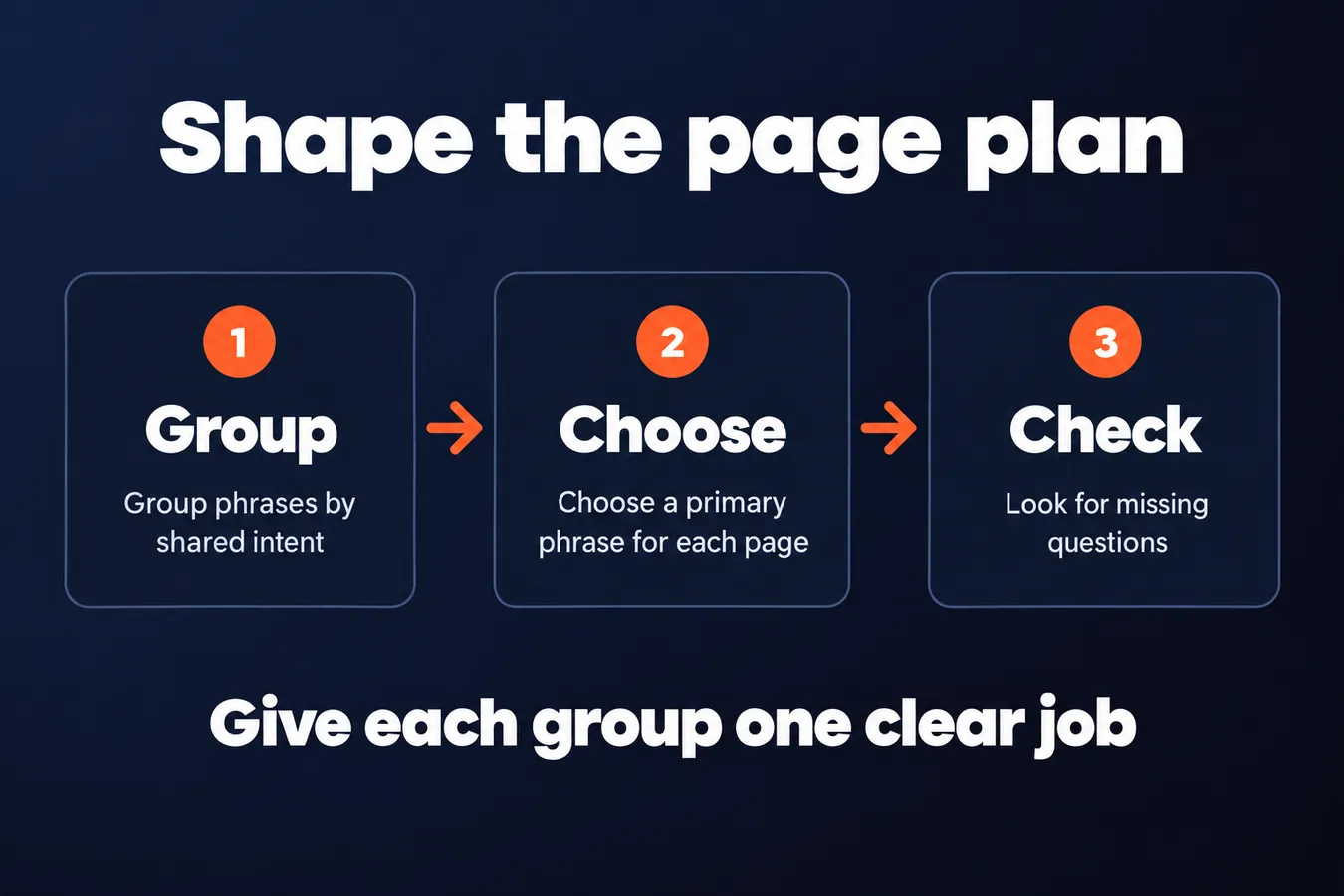
8. Group phrases by shared intent
Start by grouping terms that appear to ask for the same answer. Close variations and related questions can sit together when search results point to the same need. For example, a phrase asking how to do a task and a question about the steps may belong in one group.
Each group should have one clear job.
Separate phrases when they call for different answers, formats, or stages of a decision. A topic cluster is one way to plan this: a broader resource connects to focused supporting pages, and each handles a distinct part of the topic.
9. Choose a primary phrase for each page
Choose the term that best represents the purpose of each planned page and the intent behind the search. That phrase gives the material a clear focus when you create it, while closely connected secondary terms can stay with it when they fit the same answer.
One page, one clear focus.
Then review the plan for overlap. If 2 proposed pages target the same need, you may be splitting one job across both. Flag that before you build the website content plan, so your keyword research leads to a useful set of pages rather than a crowded list.
10. Check the wider topic for missing questions
Review each group and ask what the audience still needs to know. Look for unanswered beginner questions, comparisons, practical tasks, and relevant next steps. This final pass helps you spot gaps before you approve the set and start creating content.
A complete list serves the original goal.
Decide whether each topic needs one focused page or a broader resource with supporting pages. Keep the scope tied to the audience and business goal you started with. More terms can make the research list longer, but each one still needs a clear place in the plan.
Review and hand off the keyword set
11. Record decisions in a reusable table
Keep one row for each chosen term. Record its intent, proposed page, supporting phrases, source, relevant metrics, and a short note explaining your decision.
A clear record makes the research useful when it’s time to plan content.
Mark uncertain items for review so guesses don’t look like settled decisions. Add the date and tools you used, too. Data and search results can change, and you’ll want to know when and how you built the list.
12. Review the list before creating content
Read through the full list before you assign a page or create content. Check that each phrase fits the topic, audience, and goal, then make sure every group has a distinct purpose and one clear primary term.
This final review turns research into a set you can use.
I build marketing software, and I like a checklist that ends with a review. It gives me a repeatable way to move from a topic idea to a keyword set I can actually use.
Frequently asked questions
What makes a keyword worth adding to your list?
A keyword earns its place when it fits your topic, audience, and goal, and your content can answer it clearly. Check the search intent and the results people see, then record why you kept a borderline phrase. Search volume alone doesn't settle the decision.
How do I decide whether keywords belong on the same page?
Group phrases when they appear to ask for the same answer and the search results point to the same need. Separate them when they call for different answers, formats, or stages of a decision. Give each group one clear job and choose a primary phrase for its page.
What should I include in a keyword research checklist?
Start with the topic, audience, and goal. Then collect seed terms, expand them with search language, check intent and relevance, and review demand and competition in context. Group the phrases into pages, look for missing questions, record your decisions, and review the full set before creating content.
Can a beginner do keyword research for a new topic?
Yes. This checklist gives you a repeatable way to move from a topic idea to a reviewed keyword set. Start with the questions your audience asks, use tools and search results to check your ideas, and mark uncertain items for review instead of treating guesses as settled decisions.
My Take: That purpose keeps the list tied to the people I want to reach and the content I’m planning to create. I also like keeping the source and reasoning beside each keyword. When I come back to the list, I can see why a phrase made the cut, what still needs review, and which page it belongs to. That matters when one topic points to a broad page and several supporting pages. The keyword set should lead to a page plan I can actually use. A repeatable checklist suits the way I work: it gives me a clear route from the first topic idea to a reviewed set of decisions.
Aha Studio
Get the next playbook first
New playbooks and LaunchWatch reports land in Growth Signals, the free newsletter, along with the case studies and how-tos I find worth stealing.