New from Anthony Hayes: Aha Studio
Get found by the people searching for what you sell.
Local SEO and Google Business Visibility › Research Local Competitors and Keywords
Local SEO keyword research
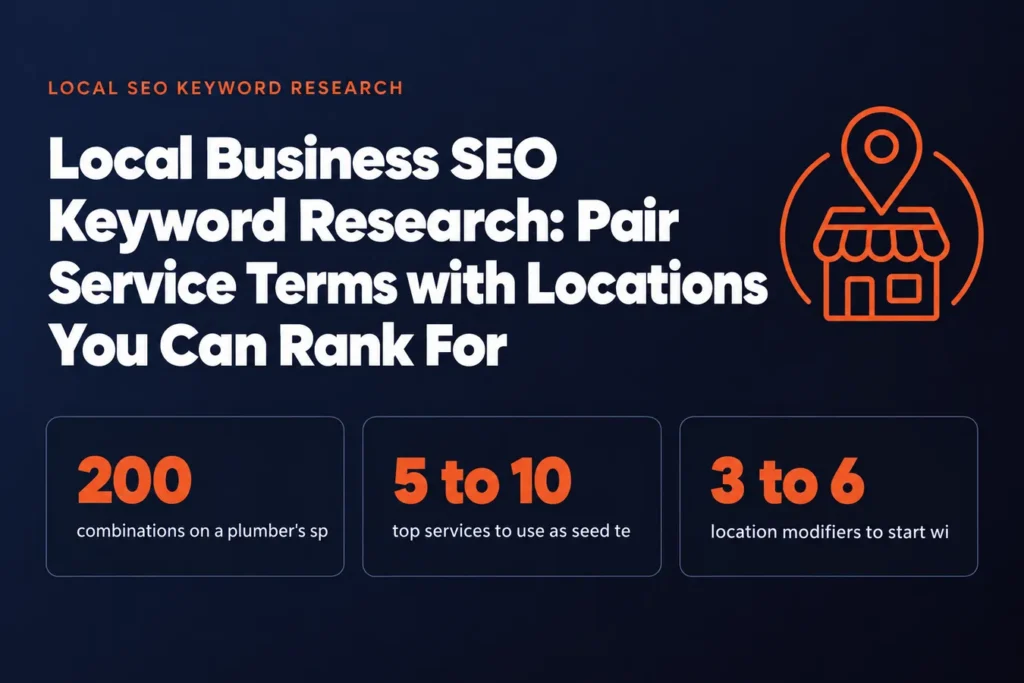
A plumber in a mid-sized city can build 200 service and location combinations on a spreadsheet and still find that most of them are never typed by anyone who could hire him. This post shows you how to pair service terms with locations, check whether people actually search them, and pick the ones a small business can realistically rank for.
A plumber in a mid-sized city can easily end up with 200 service and location combinations on a spreadsheet, and most of them will never be searched by anyone who could hire him.
That's the trap with local business SEO keyword research. You combine every service you offer with every town in your area, sort the list by some tool's volume numbers, and feel like you've done the hard part. Then you find out half the phrases were never typed by a real person, and the other half are dominated by companies with ten times your reviews.
The fix is a shorter list built from what people actually pay for and how they actually search.
You'll start with the services that bring in paying work, the ones that actually fill your calendar. Then you'll pick the location words people really type, pair the two, and check whether anyone is searching the pairs at all. Last, you'll judge which searches you can realistically win and turn that shortlist into pages and a plan.
I've spent 15 years building marketing software, since 2011, and I build the tools that do this work now without writing code myself. Most of what follows comes from that, and from watching which local pages pull in calls and which just sit there.
We'll go through it in five steps, starting with the services.
Find this useful? Add us as a preferred source on Google and more of what we publish will show up in your results.
Start With the Services Customers Actually Pay For
Your keyword list should start with money. Most small businesses offer more services than they make money from, and a seed list built on everything you technically do will send you chasing terms that no one pays you for.
Pull your invoices or your booking software for the last 12 months and sort by revenue. Your top 5 to 10 services will usually account for most of your income. Those are your seed terms.
Next, listen to your phone calls. If you don't record calls, have whoever answers the phone write down the first words the caller uses. Customers rarely say "emergency endodontic therapy." They say "my tooth hurts when I chew" or "the front tooth is chipped." Those phrases are what people type into Google, so they belong on your list.
Reviews do the same job. Read through your last 50 or so and note how people describe what you did for them. You'll often find "fixed my leaking faucet" or "got my water heater working again," not the tidy category name on your website.
Then check your Google Business Profile. The services section shows how Google files your business, and it's worth comparing against the profiles of the three or four competitors who rank above you. Pay attention to how they label the same work. If they all say "water heater repair" and you say "hot water solutions," you're probably the one who's hard to find.
I'd rather start with 8 real phrases from calls and reviews than 40 guesses from a brainstorm. The guesses are where most wasted effort comes from.
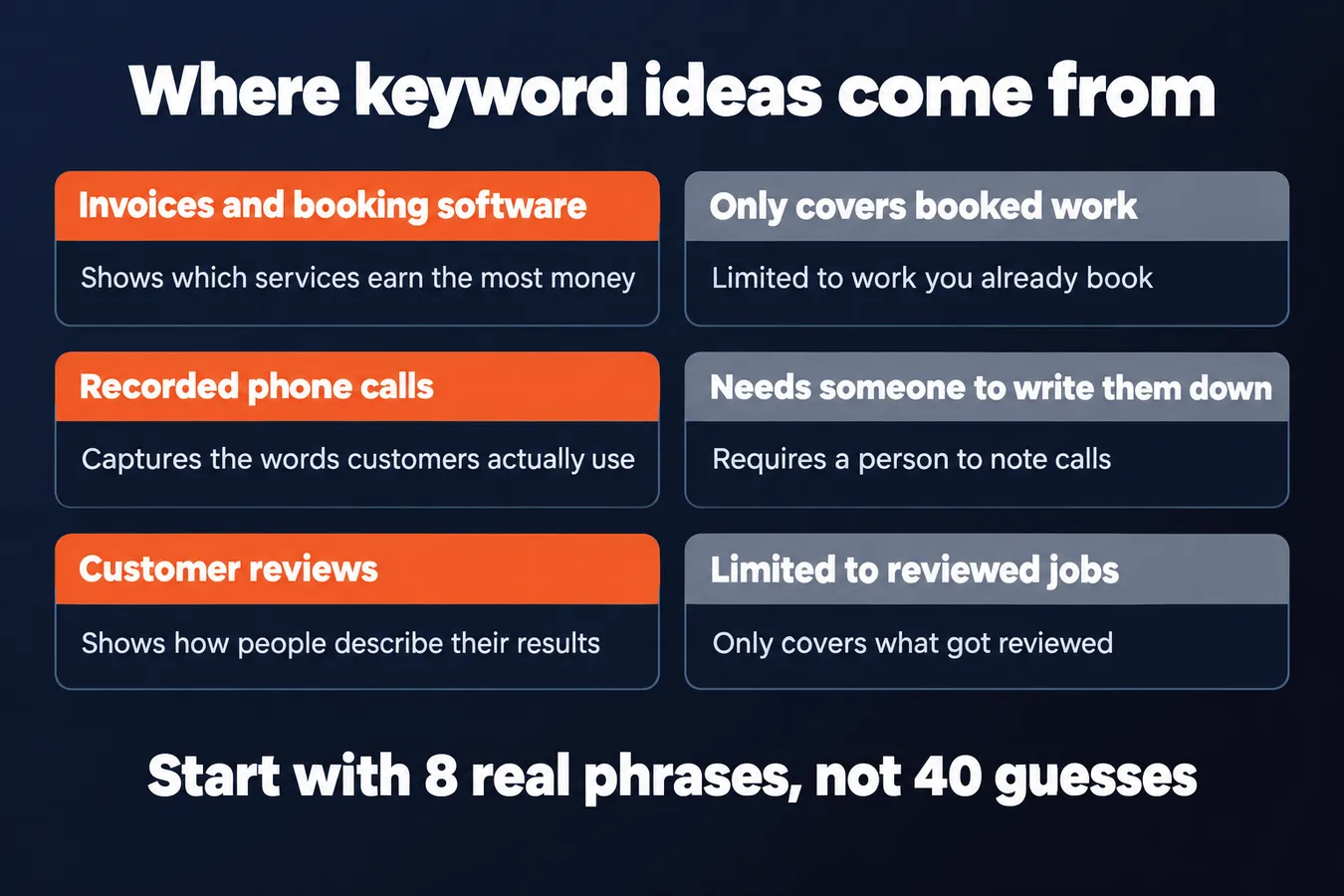
Where your keyword ideas come from
| Source | Pros | Cons |
|---|---|---|
| Invoices and booking software | Shows which services earn the most money | Only covers work you already book |
| Recorded or noted phone calls | Captures the words customers actually use | Needs someone to write them down |
| Customer reviews | Shows how people describe the results they got | Limited to what happened to be reviewed |
| Brainstorm of everything you offer | Quick to produce | Often yields terms nobody searches |
Choose Location Modifiers People Really Type
Start with the places your customers actually say out loud. Use the boundaries they talk about, and skip the official district name the city council uses. Think of the words people type when they're standing on a sidewalk and want a plumber.
Most local searches use one of a few shapes: the city name, a neighborhood, a nearby town, or "near me." Those four cover most of what you need.
Pull them from your own customer list. Look at where your last 50 jobs or appointments came from, then group them by town. You'll see patterns fast, and they'll be more useful than any keyword tool's guess.
Be honest about the drive. Someone in the next town over will use that town's name. Someone 40 minutes away probably won't, even if they're technically in your service area. I'd leave those out for now.
Skip the neighborhoods people don't use in conversation. A subdivision your county assessor labeled in 1994 might be on the map, but if your customers say "over by the old mill," that's the one to use.
Keep the list short at first, three to six modifiers. It sounds like a small number, but every modifier gets paired with every service term in the next step. Six modifiers and eight services is already 48 combinations to check.
A typical starting list for a single-location shop might look like this: the main city, two neighborhoods, one or two nearby towns, and "near me." That's enough to work with.
Once you've got the list, you're ready to pair it with your service terms. That's where you find out which combinations people really search, and which ones you can realistically rank for. The competitor analysis page in this hub covers how to check what the businesses already ranking are doing.
Pair Services and Locations, Then Check Demand
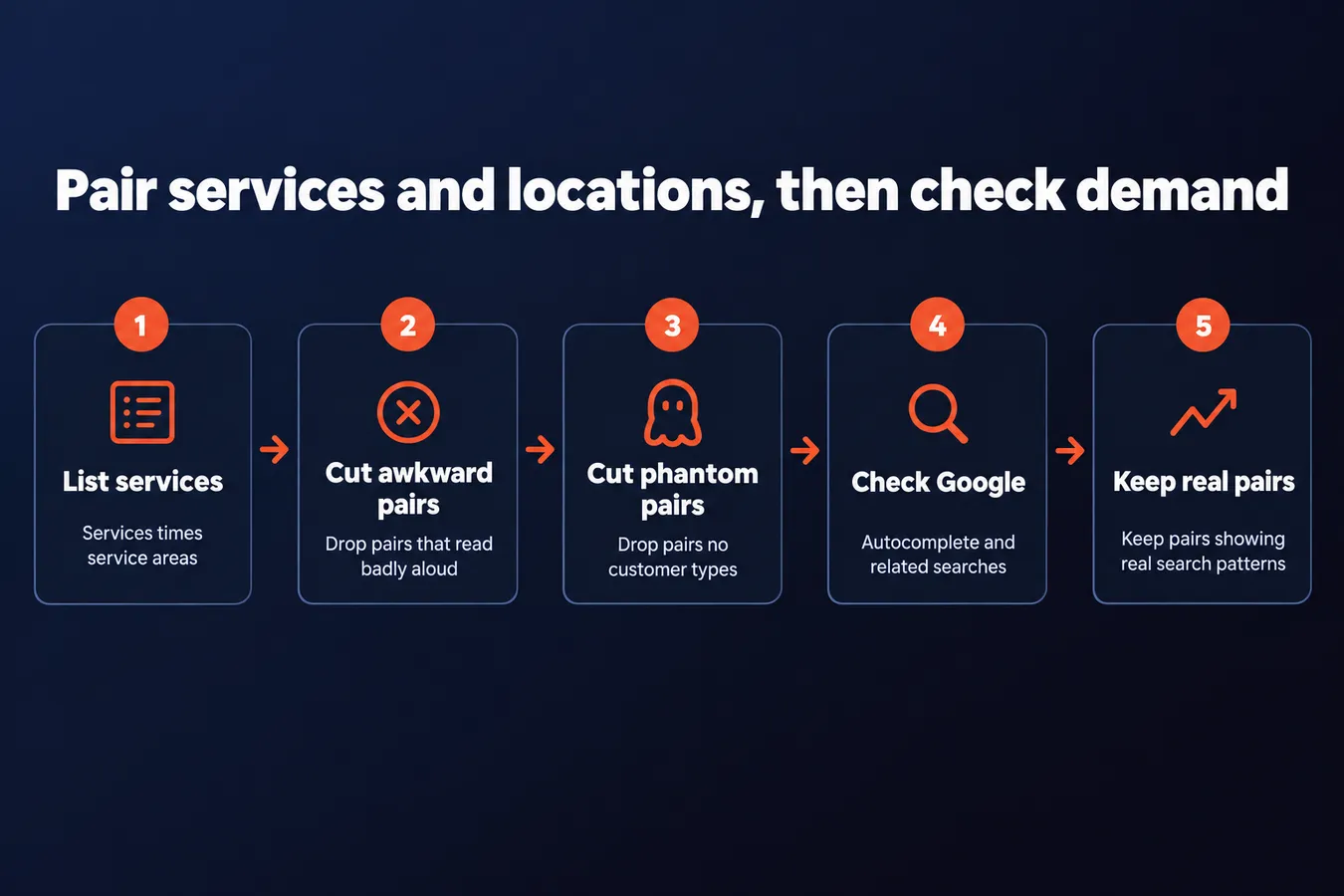
Start by listing your services and your service areas. Then multiply them. A dentist with "teeth whitening" and "emergency dentist" as services, plus "Austin" and "Round Rock" as locations, ends up with four pairs to test, and a longer list is easy to build from there.
Most of those pairs won't hold up, and that's fine. Cut anything that reads awkwardly when you say it out loud, like "emergency dentist round rock tx 78664" or anything with a city name tacked onto a service that few people search for in that town. If a pair makes you wince, a customer probably won't type it either.
The harder cut is the pairs that sound right to you but have no customer behind them. "Cosmetic dentistry Round Rock" might feel obvious, but if almost no one types it, you're writing a page for an audience of zero. [CHECK: confirm whether Tony wants a specific example of a pair that sounded right but had no searches]
Next, check whether people search for what's left. You can use a keyword tool if you have one, but the free route works fine for a first pass. Type the pair into Google and watch the autocomplete suggestions. Then scroll to the "related searches" block at the bottom of the results. If Google suggests the phrase on its own, or offers close variations, people are typing something like it.
Here's the thing: a pair with real volume and a pair that only sounds right look almost identical on the page. The difference shows up when you check. Real search activity gives you variations, questions and alternate wordings. A phrase you invented might return almost nothing, or Google might quietly steer the results toward a different thing entirely.
Keep the pairs that show a pattern of real searches. Drop the ones that only exist in your head. You'll have a shorter list, and every page you build from it has someone on the other end.
Judge Which Searches You Can Realistically Win
Once you have your service-and-location pairs, the next job is sorting them into two piles: the ones you can realistically win and the ones you can't. Don't skip this step. Plenty of small businesses pour months into a city-wide term that a national chain owns outright.
The quickest test is to run each pair yourself. Search it in a private browser window, set to the city you're targeting, and look at two things. First, the map pack, the block of three or so businesses with pins that Google shows at the top. Second, the organic results underneath it.
Write down who shows up. If you keep seeing the same big brands, the big directories, or national review sites, that pair is probably out of reach for now.
Here's what you're hoping to see instead: a mix of small local firms, a few local directories, and the odd neighborhood site. That's a good sign. It means the results are being won by businesses about your size, and that's a fight you can get into.
Pay attention to the quality of those small sites, too. A weak page with thin content and no reviews is a much better sign than a polished page from a firm with 40 locations.
Be honest about your own site, though. A brand-new website with a handful of pages isn't going to beat an established competitor on "dentist in [big city]" in a few months, and I wouldn't tell anyone otherwise. Start with narrower pairs: a specific service in a specific neighborhood or suburb, where the competition is thinner. Build from there.
Your Google Business Profile matters a lot for the map pack, so get that filled in and reviewed before you judge a pair as hopeless. A well-kept profile can carry a small business further than people expect.
Turn Your Shortlist Into Pages and a Plan

Once you have a shortlist of service and location pairs, the next job is turning them into pages. Each pair gets one page, and that page is the only place on your site that targets it. If two pages chase "emergency plumber Springfield," they compete with each other and neither ranks well.
So go through the list and write the pair next to a page. "Emergency plumber Springfield" goes to your emergency service page. "Water heater repair Springfield" gets its own page. Keep a simple spreadsheet with one row per pair and one URL per row. When a new idea comes up, check the sheet first.
Don't try to do all of them at once.
Start with the 10 to 20 pairs most likely to bring in calls or bookings. Ask yourself which of these jobs make you the most money and which ones customers already ask for by name. Those go to the top. The long tail can wait.
Once those pages are live and doing their job, expand. Add the next batch, then the next. A steady stream of useful pages beats a big launch that you never maintain.
Your Google Business Profile matters here too. Make sure the services you target are listed there, and that the categories match what you're asking your website to rank for. Customers often find you through the profile before they ever click through to the site.
Revisit the list every few months. Local demand shifts with seasons, new housing, and new competitors opening down the road. A pair that was worth chasing last spring might be dead by winter, and a gap you didn't see before might be wide open now. Check your rankings and call data against the sheet, then cut, add, or reshuffle.
For competitor checks on each pair, see Competitor Analysis for Local SEO. For how this plays out in specific trades, see Local SEO for Dentists, Lawyers and Real Estate Agents.
Frequently asked questions
How many service and location pairs should I actually start with?
Start with 10 to 20 pairs, the ones most likely to bring in calls or bookings. Keep the modifier list to three to six locations, because every location gets paired with every service and the combinations multiply fast. Build out the rest once those first pages are live and earning their keep.
How do I know if a local search is worth going after?
Search the pair in a private window set to your target city and look at who fills the map pack and the organic results. If you keep seeing the same big brands and national directories, skip it for now. If you see small local firms and thin neighborhood sites, that's a fight you can get into.
Should I make one page for each service and location pair?
Yes, each pair gets one page, and that page is the only place on your site that targets it. If two pages chase the same phrase, they compete with each other and neither ranks well. Keep a spreadsheet with one row per pair and one URL per row so you can check it before adding anything new.
Aha Studio
Get the next playbook first
New playbooks and LaunchWatch reports land in Growth Signals, the free newsletter, along with the case studies and how-tos I find worth stealing.
More in Research Local Competitors and Keywords
- Competitor Analysis for Local SEO: How to Compare the Map Pack Businesses Beating You
- 13 Local SEO for Law Firms Moves That Actually Get Calls
Explore the full Local SEO and Google Business Visibility hub