Keyword Research › Search Intent and Content Mapping
Search intent
Learn how to identify search intent before writing by checking the results page for its dominant format and the task searchers want to complete. That check gives you a clearer brief for what to write.
A query can carry mixed intent, and a basic label like “informational” only gets you partway. Check Google’s results for the dominant format and the task people seem to want done.
I’ll show you how to identify search intent before writing in 5 steps, then turn what you find into a writing brief.
I’m Tony Hayes. I’ve been building marketing software since 2011, and I build everything with AI today, without writing code myself.
Here’s the process: search the query as written, read its language, classify the dominant intent, look beyond the basic type, then shape your findings into a brief.
Start with the results page. It gives you clues to write with purpose.
The steps at a glance:
- Search the query as written
- Read the query language
- Classify the dominant intent
- Look beyond the basic type
- Turn the intent check into a writing brief
Find this useful? Add us as a preferred source on Google and more of what we publish will show up in your results.
Step 1: Search the query as written
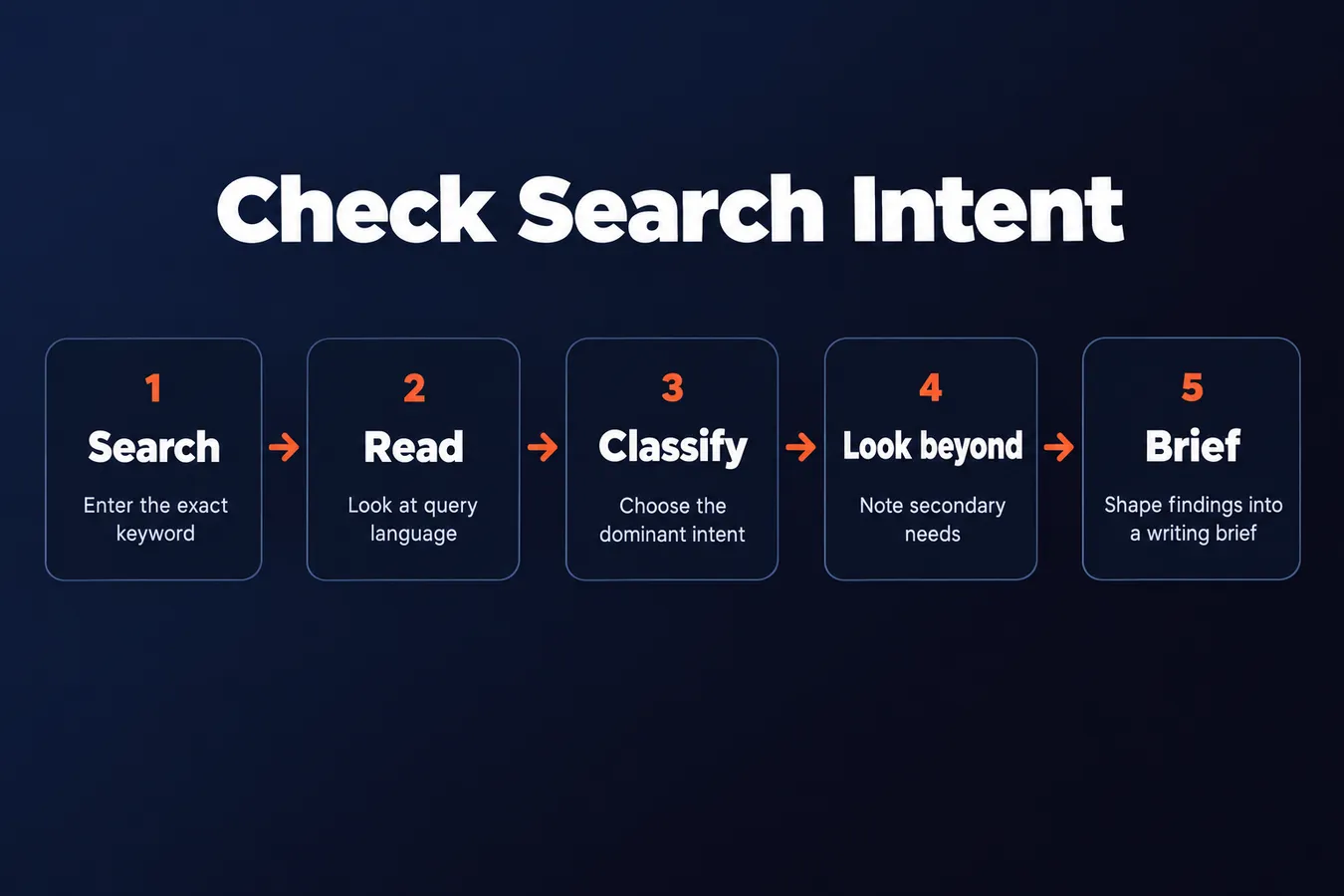
Enter the exact keyword in Google. Keep the wording as entered, since a small change can bring up different results and point to a different search intent.
Record the date and context. Location and device matter for some queries, especially when local listings or mobile-specific pages appear.
Start with what Google actually shows.
Scan the whole results page. Note organic listings, ads, local results, videos, product listings and featured answers. Each format gives you a clue about what people want to do.
Then look for patterns:
- Are several listings guides?
- Do product listings take up much of the page?
- Are local businesses prominent?
Repeated formats often reveal the dominant need behind a search.
For example, a page full of product listings points toward commercial or transactional intent. A set of how-to guides points toward informational intent. The details depend on the query, so read the results rather than relying on a keyword alone.
I’m Tony Hayes. I’ve been building marketing software since 2011, and I use Google results as a practical starting point before creating content. The page gives you evidence about what the searcher wants.
Write down the formats and topics that keep appearing. Those notes will help you classify the likely intent before you draft and show how your content will fit alongside other website content.
Step 2: Read the query language
The words in a keyword give you an early clue about search intent. Look for action words and modifiers like “how,” “best,” “buy” and “near me.” A product name can also signal that the person has something particular in mind.
“Best running shoes” suggests someone is comparing options. “Buy running shoes” points toward a transactional task. “Running shoes near me” suggests they’re looking for a nearby place to shop.
Read the task inside the query.
Separate the subject from what someone wants to do with it. “Email marketing” names a subject, while “how to start email marketing” asks for instructions. That difference affects the content you create.
A query with a product name still needs a closer look. The person might want product details, a comparison or a place to make a purchase. The surrounding words help narrow the likely user intent.
Now check Google’s results. Enter the exact keyword and review the listings. Do they mostly explain a topic, compare products or offer a way to buy? The pattern shows what Google seems to understand about the search intent.
Treat the wording as a clue, then let the results test it.
Sometimes the two signals point in different directions. A query may sound informational, while the listings are mostly product pages. When that happens, trust the pattern in Google’s results over your first reading of the words.
Use both signals before you decide what content to write. The query tells you what people say they want, and the results show what Google serves for that search. Together, they help you understand whether the likely intent is informational, commercial or transactional.
Step 3: Classify the dominant intent
After reviewing the results, choose the purpose that best explains what the searcher wants. That’s the dominant search intent behind the keyword.
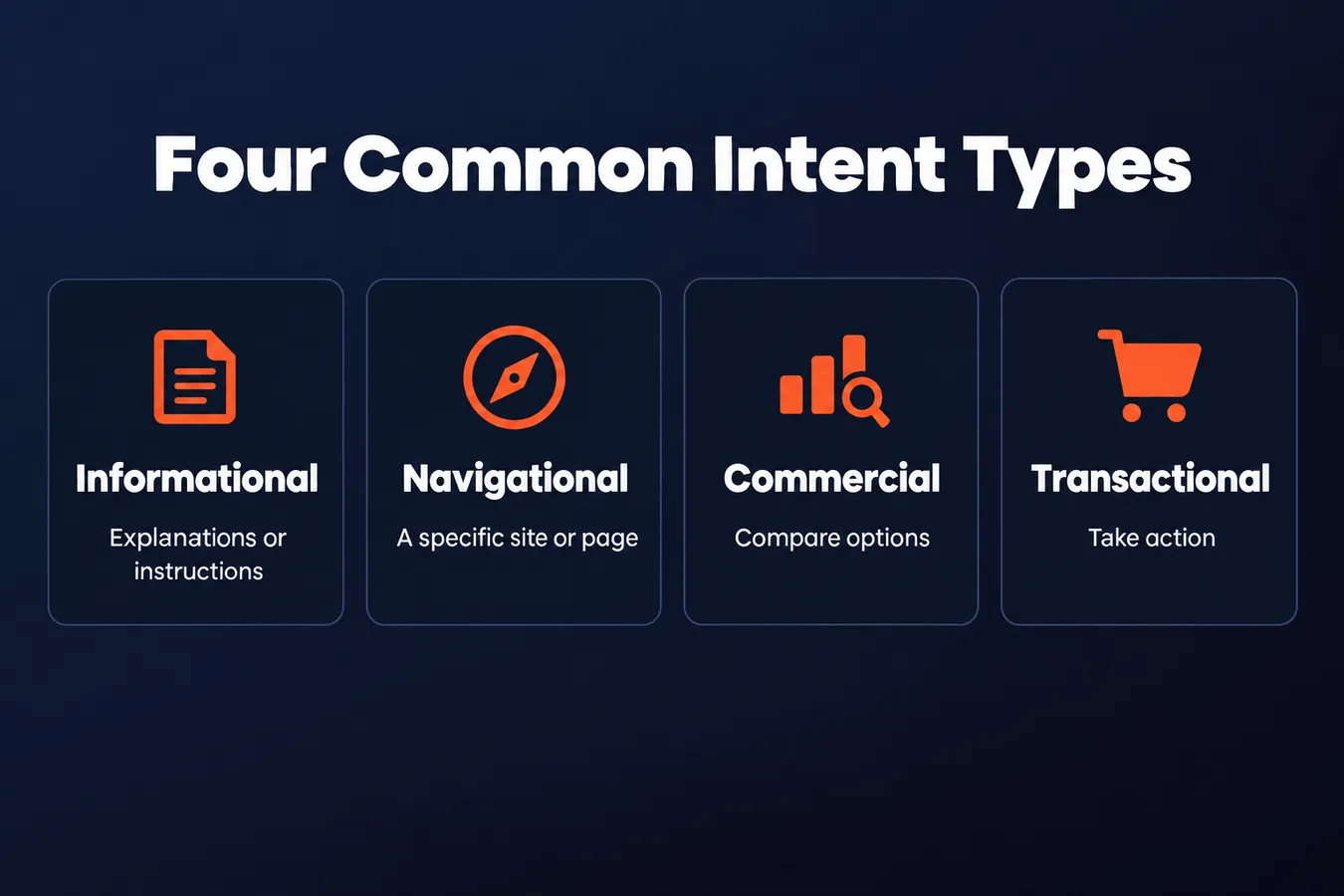
There are 4 common intent types.
-
Informational: The person wants an explanation, instructions or a clear answer. “How to identify search intent” fits this type. The searcher wants to learn a process, so content explaining the steps matches the purpose.
-
Navigational: The person is trying to reach a particular site, brand or destination. A search with a company name or known product often points toward that destination.
-
Commercial: The person is comparing products or services before making a choice. They want relevant details to weigh options, such as features or differences between products.
-
Transactional: The person is ready to take action. They might buy a product, sign up, book a service or complete another task.
The words in a keyword give you clues, but the results help confirm your call.
Check what Google shows for the query. Are the listings mostly guides, brand destinations, comparisons or product pages? Look for a pattern, then classify the intent that best fits.
Some searches have more than one purpose. Someone comparing products may also want basic information, for example. I focus on the purpose that seems to shape the formats Google ranks, since that’s what the content needs to match.
Once you’ve chosen the dominant intent, keep it in view as you plan the website content. It gives you direction on what to explain, which details to include and what the searcher expects to do next.
Four common search intent types
| Intent | What the user wants | Common result pattern |
|---|---|---|
| Informational | An explanation or instructions | Guides |
| Navigational | A specific site or page | Brand pages |
| Commercial | To compare options | Comparisons |
| Transactional | To take action | Product pages |
Step 4: Look beyond the basic type
Knowing a keyword’s broad intent is useful. The need behind the search gives your content its shape.
Compare the listings that keep appearing. Note their format, angle and apparent audience. Are they guides for beginners, product pages for buyers or comparison pages for people choosing between options?
Google may be serving more than one need.
A search can have informational and commercial intent at the same time. Someone may want to learn what a product does, then compare it with alternatives. Some listings might explain the product, while others help with a purchase decision.
Write down the dominant need and any secondary need you see. Then choose which one your content will address first. A guide can include comparisons, but its main job should be clear from the start.
The job gives the content its shape.
I’m Tony Hayes. I’ve been building marketing software since 2011, and when I plan a tool or content hub, I find this distinction useful. The broad category helps, but the specific job tells me what the content needs to do.
That applies whether you’re planning informational content, a commercial page or a transactional page for a product. Keep the reason for the search in view, and your content will have a clear focus.
Step 5: Turn the intent check into a writing brief
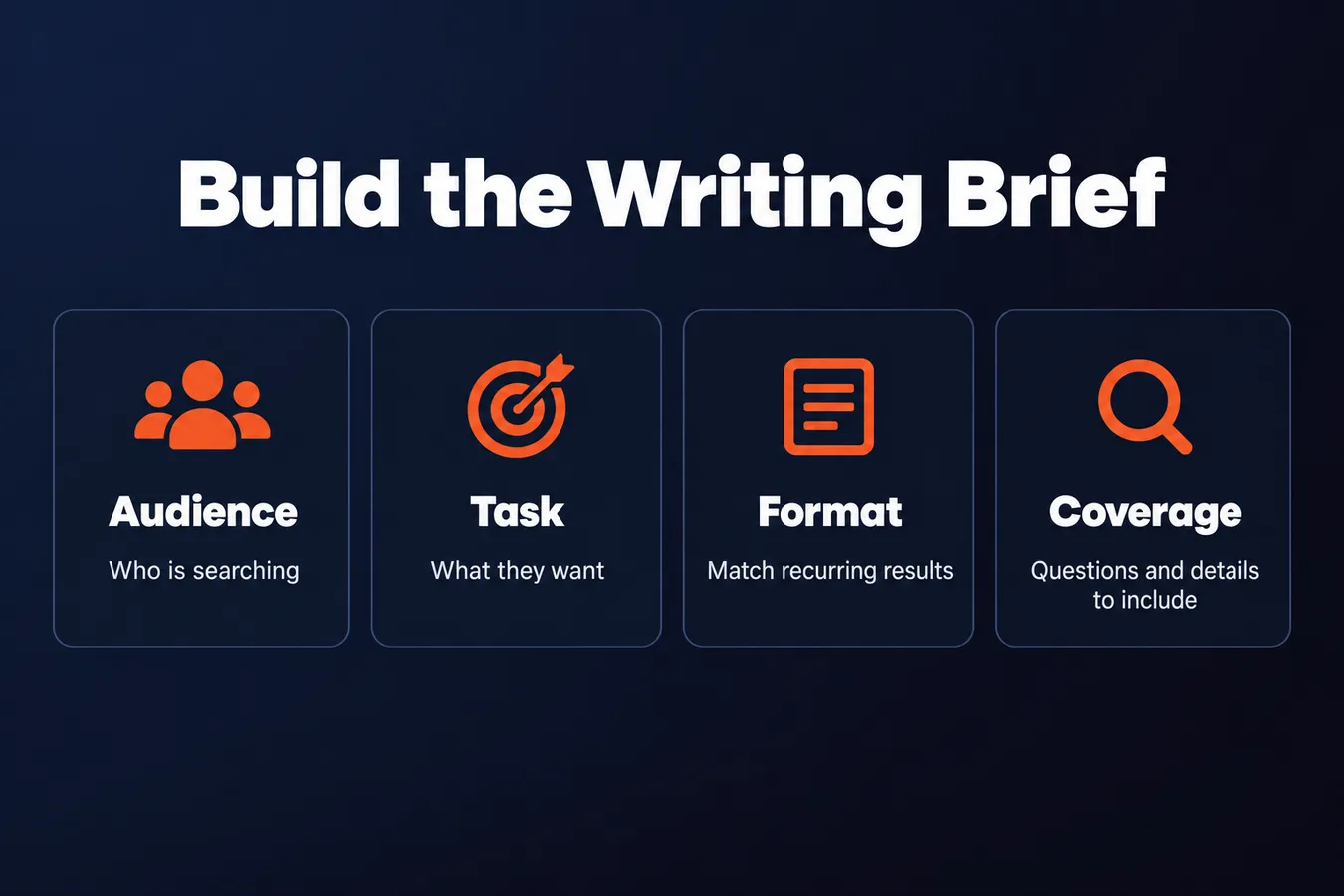
Before you draft, state the search intent in one sentence: who’s searching, what they want and what would satisfy them. This gives the content a clear goal.
For example: “A beginner searching for a home espresso machine wants a comparison of suitable products, with enough detail to choose one.” That points to commercial intent and identifies the audience and need.
The brief should match what Google is already showing.
Choose a format that fits the recurring listings. If they’re mostly guides, plan a guide. If they’re product pages, comparisons or local landing pages, choose the format that fits those results and the search intent.
Then write down the questions the content needs to answer and the details that would help. Keep the list tied to the purpose you identified, whether it’s informational, commercial or transactional.
Draw a boundary around the topic, too. If a question belongs in a separate guide or on a product page, flag it for that destination instead. This keeps your content focused on the searches you’re trying to satisfy.
Keep keyword research and the introduction as separate follow-up tasks.
Once the brief is set, move on to keyword research for content planning. Then work on the introduction, including how to use the keyphrase there. Those tasks support the draft, but they answer different questions from the intent check.
Your brief is ready when it tells you who the content is for, which format to use and what belongs in it. That’s enough direction to start writing. You can then create content, such as blog posts, that fits the likely search intent and gives search engines a relevant answer.
Frequently asked questions
What are the four main types of search intent?
The 4 common types are informational, navigational, commercial, and transactional. Informational searches seek explanations or instructions. Navigational searches point to a specific site or page. Commercial searches compare options, while transactional searches show that the user wants to take an action such as buying or booking.
How do I identify search intent before writing?
Search the keyword as written and scan the whole results page. Note which formats and topics keep appearing, then use the query wording as another clue. Classify the dominant intent, look for any secondary need, and write a brief that names the audience, their task, and the format that fits.
What should I do when the query wording and search results suggest different intent?
Treat the wording as a clue, then check it against the results. If the words sound informational but the page mostly shows product listings, the results point toward a different dominant need. Use the recurring page formats to guide your decision about what to write.
What should a search intent writing brief include?
Write one sentence that says who’s searching, what they want, and what would satisfy them. Then choose a format that matches the recurring results, list the questions and details the page needs to cover, and draw a boundary around topics that belong on another page.
My Take: When I plan content, I use the search results as evidence about the job a page needs to do. The broad intent label gives me a starting point, but the formats and topics that keep appearing show me what the searcher is likely trying to accomplish. That distinction matters when a query carries more than one need. A person comparing products may also want basic information, so I write down the dominant need and any secondary one, then decide which the page will answer first. I use the same kind of clear direction when I plan content hubs and local landing pages. Before I draft, I want a brief that names the user, the task, the format, and what belongs on the page. That gives the content a clear job.
Aha Studio
Get the next playbook first
New playbooks and LaunchWatch reports land in Growth Signals, the free newsletter, along with the case studies and how-tos I find worth stealing.