New from Anthony Hayes: Aha Studio
Get found by the people searching for what you sell.
Local SEO and Google Business Visibility › Paid Local Visibility
Google Maps ads
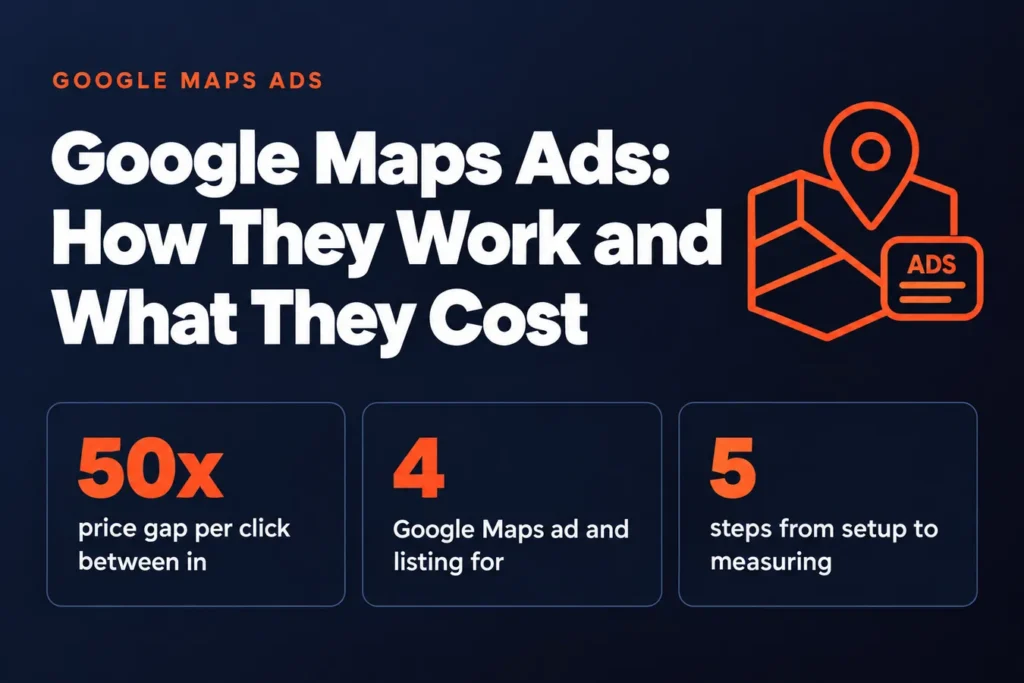
Google Maps ads are paid placements that show up above or alongside the map results when someone searches for a business or service nearby. What you pay per click depends far more on the industry you're in and how many other advertisers are bidding on the same searches than on the ad itself.
A restaurant and a personal injury lawyer can both run a Google Maps ad in the same city, and the lawyer may pay fifty times more per click for the same map pin.
That gap is the auction doing what auctions do. The lawyer's clients are worth a lot more to the lawyer, so more firms bid for the same searches and push the price up.
If you run a local business, this guide will show you what decides where your Google Maps ad appears and what it's likely to cost you before you spend a dollar.
I've been building marketing software since 2011, and I've spent a lot of that time watching how local search and paid placements behave. Most of what I'll cover comes from that work and from how these auctions actually play out.
We'll start with what Google Maps ads really are, then look at the factors that control placement, the requirements you need to meet, how the cost per click gets worked out, and how to run a small test so you can measure what comes back. Google Maps advertising is a different beast from a standard search ad, and it pays to know which one you're buying.
Here's what the article covers:
- What Google Maps ads are: the paid listings that sit in the Maps results.
- What decides placement: the bid, relevance and location signals that control where you show.
- Eligibility and requirements: what your business and account need before an ad can run.
- What you'll pay per click: how the auction sets the price and why it swings so much by industry.
- How to run a small test: a low-budget setup and the numbers to track.
Find this useful? Add us as a preferred source on Google and more of what we publish will show up in your results.
Step 1: Understand what Google Maps ads actually are
Before you spend a dollar, you need to know which kind of placement you're buying. Google Maps shows a few different things that look similar at a glance, and they work very differently.
The free piece is your Google Business Profile listing. That's the pin, the name, the hours, the reviews, and the photos that appear when someone searches for your type of business or your name. You don't pay for it, and it can show up in the local results on its own merit.
Promoted pins are the first paid format. These are sponsored markers that appear on the map when someone searches a category near them, like "coffee" or "plumber." A promoted pin looks a lot like a regular pin, but it's been bought, so it can appear above or alongside businesses that rank better organically. Your regular Business Profile pin doesn't cost anything and doesn't carry that label. You earn it by being relevant and well set up.
Local search ads are the second paid format. These show up in the Maps search results and inside the Map Pack, the cluster of three businesses that sits near the top of many local searches. They're marked as ads, and they're the paid version of the spots people already look at.
These are usually run through Google Ads. The Business Profile tools let you edit your listing and read basic insights, but the bidding, budgets, and campaign settings live in Google Ads. So if you want to pay for local placement, that's where you'll set it up.
Paid and free results sit side by side. Your organic listing and the ads can both appear in the same results, and they don't replace each other. A strong listing still matters even if you run ads, because customers compare the two.
The four Google Maps ad and listing formats compared
| Format | Costs money to appear | Where it shows |
|---|---|---|
| Business Profile listing | No | Local results on its own merit |
| Promoted pins | Yes | Map markers near the searcher |
| Local search ads | Yes | Maps search results and Map Pack |
| Organic Map Pack | No | Top of many local searches |
Step 2: Learn what decides where your ad shows
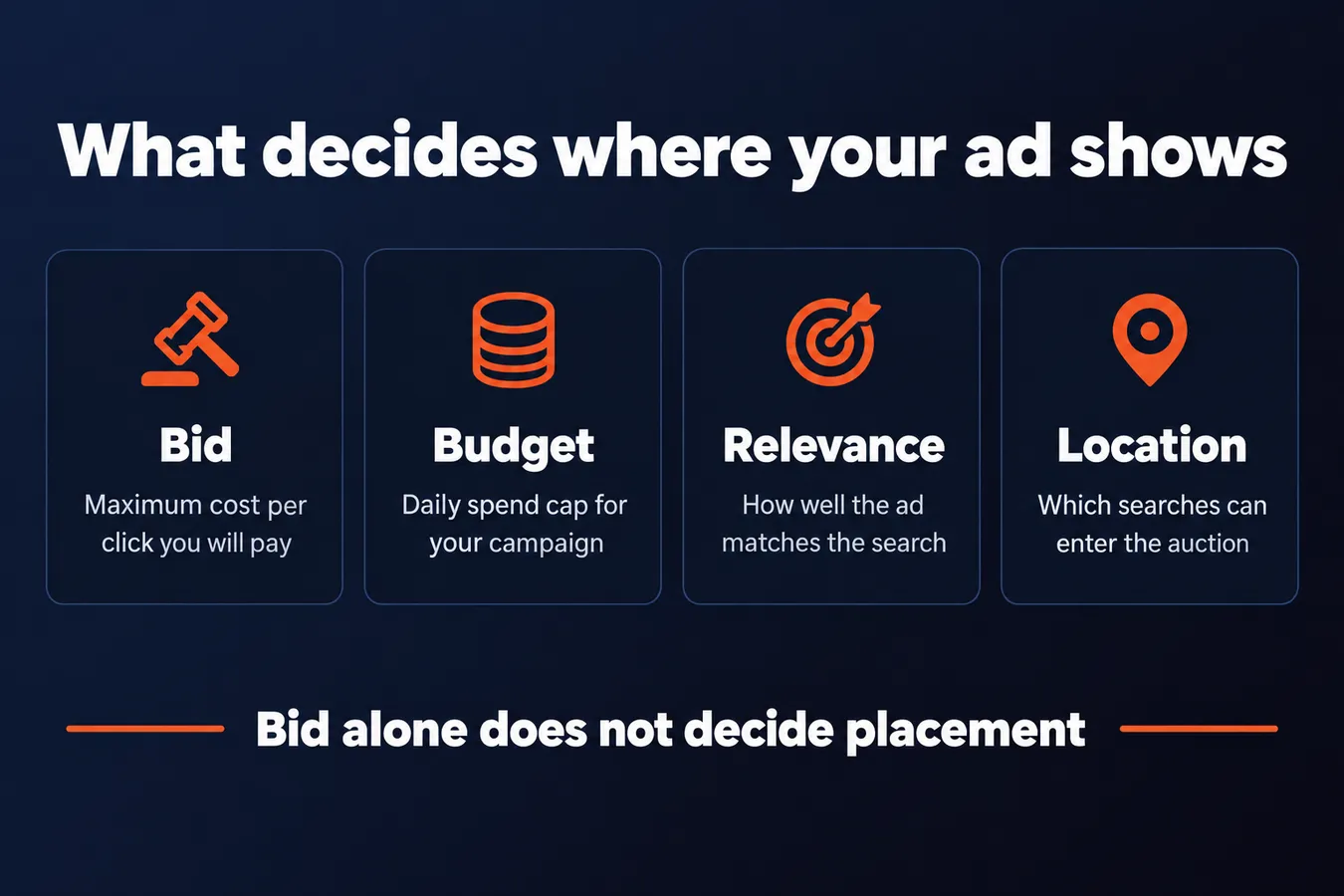
Google doesn't just hand the top spot to whoever pays the most. Every time someone searches, Google runs a quick auction among the ads that are eligible for that search, and a few things decide the outcome.
Your bid and budget
Your maximum cost per click is the most you're willing to pay when someone clicks your ad. That number goes into the auction, but it's only one input.
A higher bid gives your ad a better shot at the top spot, but the bid alone decides nothing. A business bidding more can still lose to one with a better-matched ad, and a bigger bid just means you pay more when that happens. (I've seen people chase the top position with bids and then wonder why the clicks didn't turn into calls.)
Your budget is separate. It caps how much you spend per day, and if it runs out early, your ad stops showing for the rest of the day.
Relevance and ad quality
Google wants the ad to match what the searcher typed. If someone searches for "emergency plumber," an ad that talks about drain cleaning and kitchen remodels won't rank well, even with a big bid.
Your listing matters here too. A business profile with accurate hours, a clear category, current photos and recent reviews gives Google more to judge you by. A well-kept profile tends to help, mostly because it makes your ad easier to match to the right search.
Most of the work is boring: keeping the hours right, answering reviews, and making sure the phone number actually rings.
Distance and location signals
Where the searcher is standing matters a lot. Google uses the searcher's location to decide which businesses are close enough to be relevant, and that affects which ads are even eligible.
Your business location feeds into this, but so does the location targeting you set in your campaign. Targeting a radius around your shop, or a city or region, tells Google which searches your ad can enter.
That's usually why two businesses on the same street get different results. One is set to a tight radius, the other covers a wider area, or one has a profile that matches the search more closely.
Factors that decide where your ad shows
| Factor | What it controls | What you change |
|---|---|---|
| Bid | How much you pay per click | Maximum cost per click |
| Budget | How much you spend each day | Daily budget cap |
| Relevance | How well the ad matches the search | Ad copy and listing details |
| Location targeting | Which searches can enter the auction | Radius or area you target |
Step 3: Check your eligibility and requirements
Before you spend an afternoon on setup, check that your business can actually run these ads. It's the step people skip, and it's the one that bites them later.
Start with your Business Profile.
Your listing has to be verified, and it has to be accurate. That means the right address, hours that match what happens on the ground, and categories that describe what you do. If the profile is unverified or half-filled, placements often don't start. A sloppy profile is the most common reason someone gets stuck, so fix it first.
Check the hours twice. A listing that says you're open on a day you're closed looks bad to customers and can cause problems with the ads too.
Pick your categories with care. They're what tells Google when to show your business, so a vague choice will leave you invisible for the searches you actually want.
Next, you need a Google Ads account and billing.
Local search ads run through Google Ads, so you need an account with a payment method on file. You won't get a flat monthly fee. Ads run on a pay-per-click basis, so you pay when someone clicks, and the ad's cost is set by your budget and bid. That makes your budget easy to cap, but you still need billing set up before anything goes live.
Now, the location question.
Service-area businesses are the ones that need extra care. If you travel to customers and don't serve people at your own address, some ad formats are restricted. Whether you qualify depends on how you've set up your service area and your business type, and the rules change, so look at the current requirements for your category before you build anything. [CHECK: confirm current Google Maps ad eligibility rules for service-area businesses before publishing]
Get these three things right and the rest of setup goes quickly. Skip them and you'll end up debugging a campaign that was never going to run.
Step 4: Work out what you'll actually pay per click
Here's the honest answer first: there's no single average cost for Google Maps ads, and anyone quoting you one is guessing. What you pay depends on your category, your area and how many other businesses are bidding on the same searches.
Restaurants and retail usually sit at the low end. Legal, medical and home services often run far higher, because a single new client can be worth hundreds or thousands of dollars. So a "typical" number from one industry tells you very little about another. Treat any average you read with caution, including mine.
Competition in your area matters more than most people expect. A dense city with dozens of plumbers all bidding on "emergency plumber near me" will push your cost up fast. A rural town or a niche service with few competitors often costs a lot less per click. Same ad, same platform, very different bill.
So before you spend anything, look at who else is showing up for your searches. Search your own terms on Maps, count the businesses that appear, and think about how many of them are likely paying for placement. That gives you a rough sense of how hard you'll be pushed.
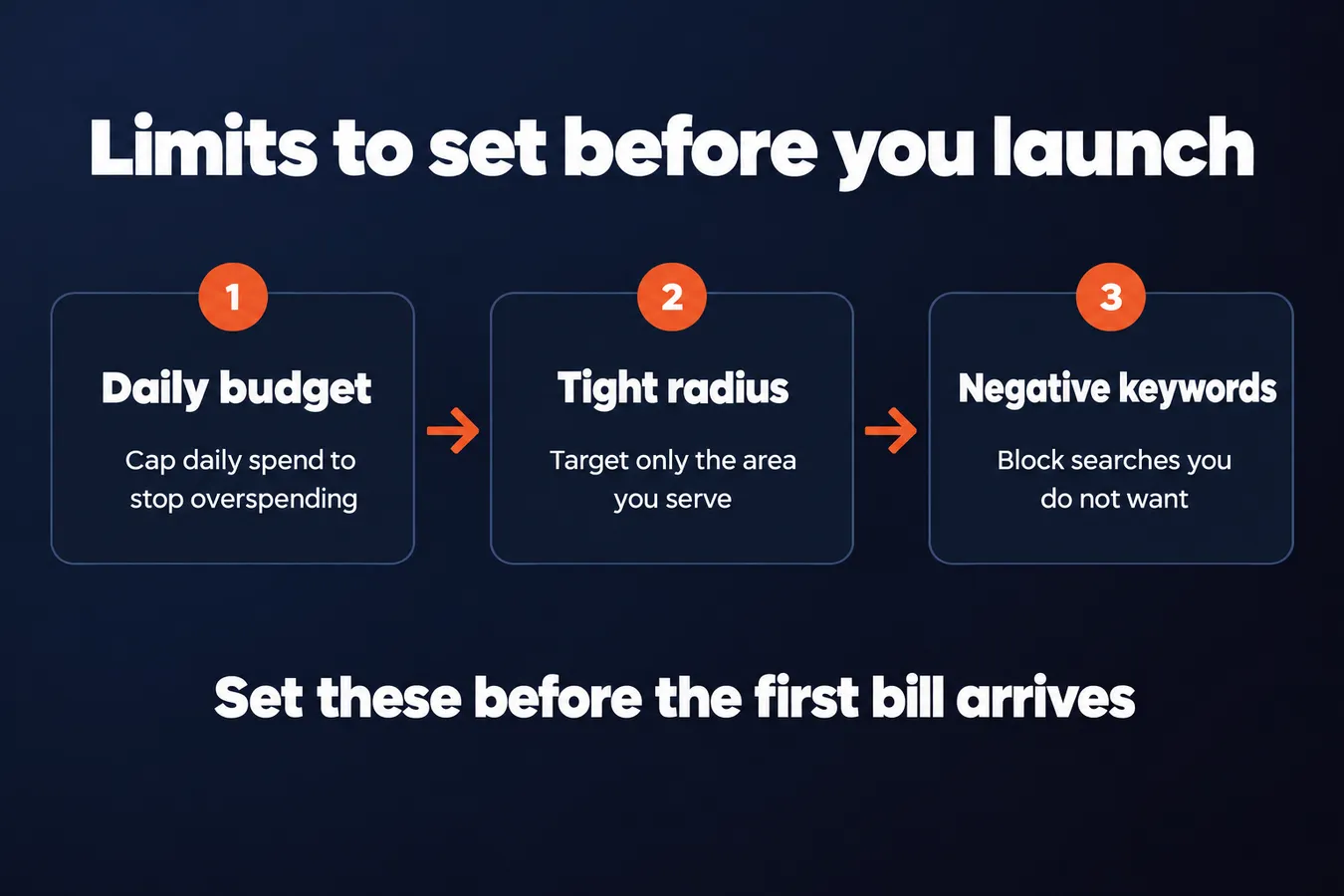
Now, the part that keeps your spend in check. I'd set these up before you launch anything, so the limits are in place before the first bill arrives.
Set a daily budget cap. This is the single most important control. It limits how much you can spend in a day, so a slow week or a bad keyword can't quietly drain your account.
Tighten your location radius. If you only serve customers within 10 miles, don't target a 50-mile circle. A smaller radius means fewer wasted clicks from people you can't serve.
Add negative keywords. These are searches you don't want your ads showing for. If you sell new tires, you probably don't want clicks from people searching "free tire repair" or "tire jobs." Each unwanted click costs money and gives you nothing back.
Set these three things up first, then watch the early numbers. Your performance will tell you far more than any benchmark can.
Step 5: Set up a small test and measure what comes back
Start small. A modest daily budget and one or two tight location targets will teach you more than a big launch that burns cash on the wrong streets. You want to see who clicks, what they do next, and whether the numbers make sense for your business before you commit real money.
Keep the radius tight too. If you're a dentist in one neighborhood, targeting a whole metro area just buys you clicks from people who won't drive across town. [CHECK: confirm the specific daily budget figure you want to recommend for a starter test]
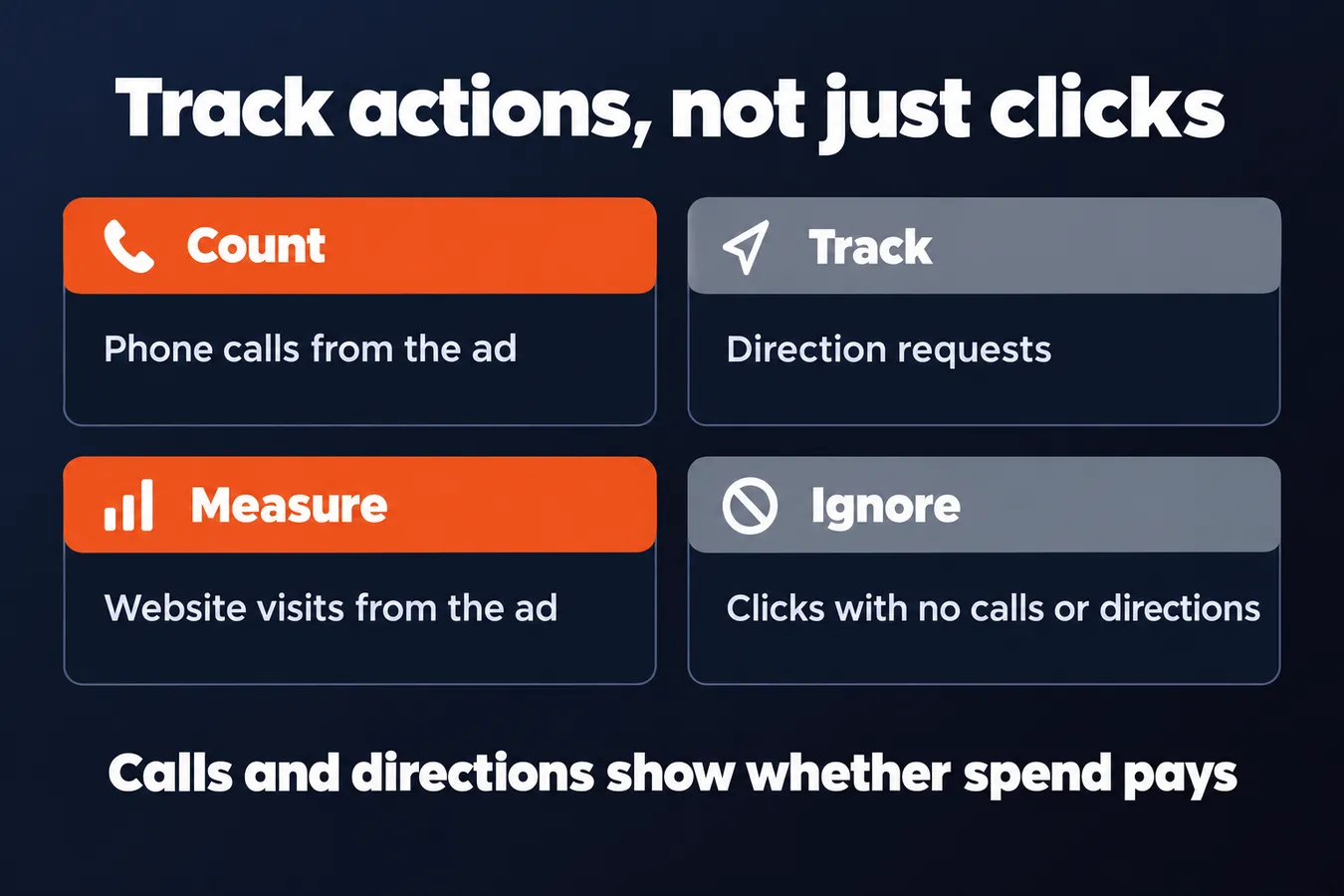
Don't judge the campaign on clicks. Maps ads are built to drive actions, so track the things that actually matter to a local business: phone calls, direction requests and website visits. If a campaign gets lots of clicks but no calls or directions, it isn't working, no matter how good the click-through rate looks.
Calls and directions are the numbers that tell you whether the spend pays.
Make sure your business profile is set up to record these actions, or you'll be guessing. Calls from the ad should show up in your reporting, and so should direction requests. If you can't see them, fix the tracking before you spend another dollar.
Then give it time. Early numbers swing wildly. One good week or one bad week means very little when you've only had a handful of clicks.
Wait until you have a meaningful number of clicks before you touch your bids or your location targeting. I know it's tempting to tweak everything on day three, but changing things too early just resets the data you're trying to read. [CHECK: confirm a minimum click threshold to recommend before making bid changes]
When you do have enough data, look for patterns. Which locations brought in calls? Which days and times brought in the most directions? Cut the places that cost you money without bringing in customers, and put more behind the ones that work.
That's how a small test turns into a campaign you can scale. You learn what your customers respond to, and you only grow the parts that are paying off.
Frequently asked questions
How much does a Google Maps ad cost?
There's no single average, and anyone quoting you one is guessing. Restaurants and retail usually sit at the low end, while legal, medical and home services often run far higher because one new client can be worth hundreds or thousands of dollars. Competition in your area pushes the price up or down more than almost anything else, so look at who else is bidding on your searches before you spend a dollar.
How do I keep my Google Maps ad spend under control?
Set a daily budget cap first, since that limits how much you can spend in any day. Then tighten your location radius so you aren't paying for clicks from people you can't serve. Finally, add negative keywords for searches you don't want, because every unwanted click costs money and gives you nothing back.
What should I track to know if a Google Maps ad is working?
Don't judge the campaign on clicks alone. Track phone calls, direction requests and website visits, since those are the actions that tell you whether the spend pays for a local business. If you can't see calls and directions in your reporting, fix the tracking before you spend more.
Aha Studio
Get the next playbook first
New playbooks and LaunchWatch reports land in Growth Signals, the free newsletter, along with the case studies and how-tos I find worth stealing.
More in Paid Local Visibility
- Google Local Service Ads for Home Service Businesses: Setup, Verification and Lead Handling
- Local SEO vs Google Ads: Which Should You Choose?
Explore the full Local SEO and Google Business Visibility hub