Aha Studio AI worker · Sites & Pages
AI Local Landing Page Builder: A Page for Every Service in Every Area You Serve
Neighborhood Pages builds local landing pages for a service business. Tell it what you do and where you work. It plans, writes and links a page for every service in every neighborhood, each with its own title, H1 and meta description.
Try the free demo →Watch a real build
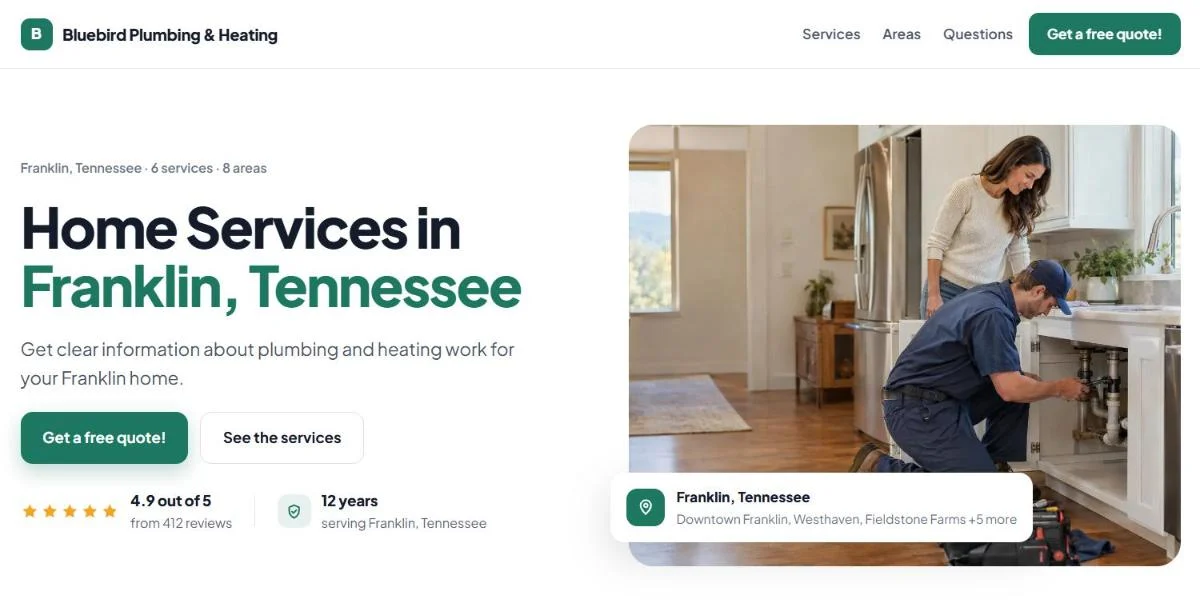
The real run on this page: 4 services, 8 neighborhoods, 37 pages, built live on a webinar.
Watch the build
Watch Me Build 37 Local Landing Pages on a Live Webinar
This is from my Aha Studio Live webinar on 14 October 2026. The Neighborhood Pages build starts at 31:00, and the video below starts there.
I described my own agency in a few sentences (the name, the city, what we offer and the areas we cover) and pressed Fill the form. I picked 4 services, let it suggest neighborhoods until I had 8, and pressed Build my pages. Then I went through the images and the WordPress and Netlify publishing steps.
From this build
What the Worker Built
These are the counts from the worker’s own build screen in the webinar.
Source: the Neighborhood Pages build screen at 35:50 in the webinar, which reads “Building 37 pages”.
The part I like is the structure
4 services times 8 neighborhoods is 32 pages. Add a page for each service and a main page, and you’re at 37.
Every neighborhood page links up to its service page and the main page, and across to the pages beside it. With 24 of the 37 pages written, the build screen had already counted 144 internal links.
Doing that by hand is the job everyone puts off.
Inside the worker
How Neighborhood Pages Builds Your Local Landing Pages
Describe your business
Type or say a few sentences and press Fill the form. Or fill in the name, business type and city yourself. You can add your phone, email, brand colour and voice.
Choose your services
Pick from the service library for your industry, type your own, or press Suggest from business type. Remove anything you don’t offer.
Choose your areas
Type your neighborhoods, or let it suggest them from your city. Find areas near me lists the towns within a radius, with population and distance.
It builds the grid
One page for each service in each neighborhood, plus a page for each service and a main page. You watch every page get written and linked.
Finish it with your own proof
Add a hero image for each service: generate it on your own OpenAI key, make it in ChatGPT, or upload your own photo. Add your testimonials, awards and team. Those sections are never generated.
Publish where you want it
Send every page to WordPress as a draft or on a drip schedule, with the links pointing at your own site. Or publish to Netlify, or download the ZIP.
After the first build
A Local Site Built Around the Services You Really Offer
The pages are yours to keep. Here’s what comes with them.
Leads from every page
Every page has a contact form that works wherever the page is hosted. Send each lead to up to 5 email addresses, a webhook, your autoresponder form or your connected email platform.
Areas worth covering
Find areas near me shows the towns and cities within a radius, with population, distance and the source of every figure. Press Use these areas and they go into your list.
A map on area pages
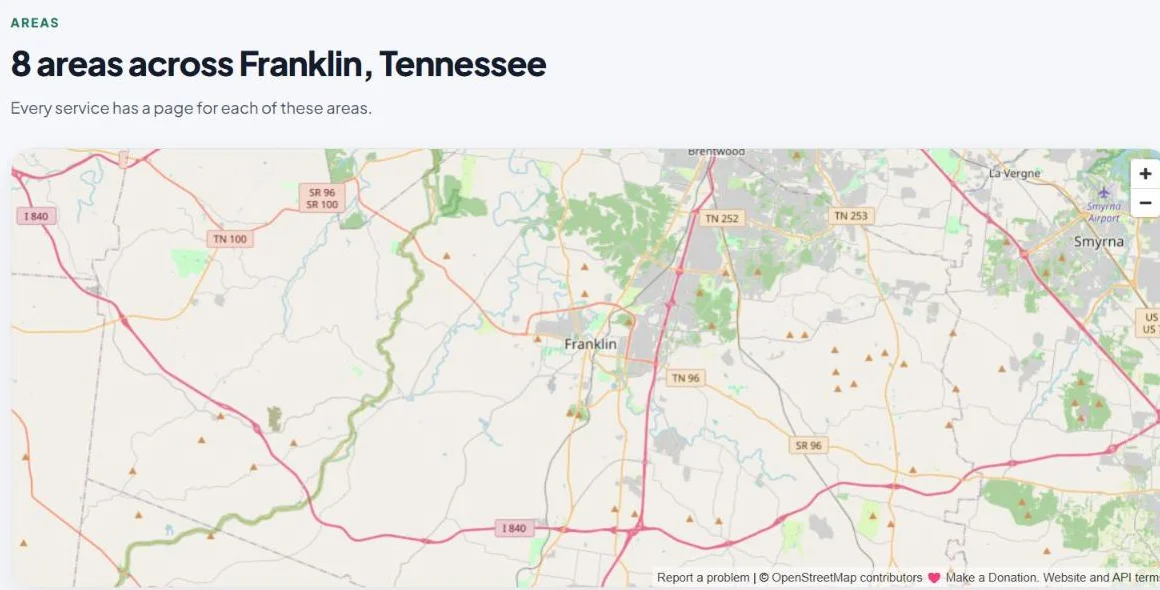
Each neighborhood page gets a map from OpenStreetMap when the place can be found. A place it can’t find simply has no map.
7 languages
Build your pages in English, Spanish, French, German, Italian, Portuguese or Dutch. The copy is written in the language you choose.
Rewrite any section
If a section doesn’t read right, regenerate that section across the set and keep the rest as it is.
Nothing made up about you
The worker writes from what you tell it. Testimonials, awards and team members come only from what you type in.
Make the pages worth visiting
My advice: spend some time on the pages after the build. Check every area is somewhere you really serve. Add local details and real photos where you have them.
The worker gets the structure and the first draft in place. Your time goes on the details your customers care about.
The alternatives
Neighborhood Pages vs a Page Generator Plugin, and vs Doing It by Hand
The closest paid tool for this job is Page Generator Pro, a WordPress plugin for programmatic and local SEO. Its Single licence is $99 a year on sale, with a regular price of $149 a year (its own page, read 26 November 2026).
Neighborhood Pages, inside Aha Studio
- Starts from a few sentences about your business
- Suggests services and finds nearby areas for you
- Writes and links every page, then you review it
- Published to WordPress as drafts, to Netlify or as a ZIP
- Comes with 66 other AI workers in the same membership
Page Generator Pro
- $99 a year on sale, $149 regular, for 1 site (read 26 November 2026)
- A WordPress plugin, so it needs a WordPress site
If you already run WordPress and local pages are the only job you need done, Page Generator Pro costs far less. Neighborhood Pages plans and writes the set for you, and it comes with the rest of Aha Studio.
You can also build every page by hand in WordPress. You get full control of each one. For a handful of pages that’s fine. At 37 it’s a lot of repetitive work.
We priced every worker this way in Every Aha Studio Worker, Priced Against the Tool It Replaces.
Why I built it
Why I Built Neighborhood Pages
I’ve spent years building marketing tools and automating websites. Local landing pages are one of those jobs that gets repetitive fast.
You’ve got services, locations, the questions people ask in each one, and a whole set of pages that all need linking properly.
I wanted to describe the business, check the details and let AI do the bulk of the page building. That’s what Neighborhood Pages does.
You spend less time setting it all up and more time making the finished pages useful.
Anthony Hayes
Common questions
Neighborhood Pages FAQ
Can AI create local landing pages?
Yes. Neighborhood Pages takes your business details, your services and the areas you serve, then writes a local landing page for every service in every area and links them together. You review the pages before they go live.
Is there a free demo?
Yes, with no account and no call. The free demo at neighborhoodpages.ahastudio.net builds a small set of pages, with a daily limit, and you keep them. A membership builds the full grid.
Do I need to know how to code?
No. You fill in a form or say what you want, tick your services and areas, and pick where to publish.
How many pages can it build?
A plan builds up to 10 services in 25 neighborhoods per site. On top of that you get a page for each service and a main page. The build on this page was 4 services in 8 neighborhoods, which made 37 pages.
Can I choose my own neighborhoods?
Yes. Type them in, let the worker suggest them from your city, or use Find areas near me to list the towns within a radius with their population and distance.
Can I use my own photos and testimonials?
Yes. Upload your own photo as a hero image, and add your own testimonials, awards and team. Those sections are never generated.
Does it work with WordPress?
Yes. Every page goes into your WordPress site as a draft, or on a drip schedule, with the links pointing at your own site. It adds pages. It leaves your theme and your existing pages alone.
Can the pages collect leads?
Yes. Every page has a contact form. Each lead can go to up to 5 email addresses, a webhook, an autoresponder form or your connected email platform.
Will these pages rank on Google?
I can’t promise that, and neither can any tool. Pages for areas you really serve, with real local details and your own photos, give you the best chance. Read every page before you publish it.
Neighborhood Pages is one of 67 Aha Studio AI workers
One membership covers this worker and every other one. The price and what’s included are on the Aha Studio page.