New from Anthony Hayes: Aha Studio
Get found by the people searching for what you sell.
QuickTip · 2 minute read
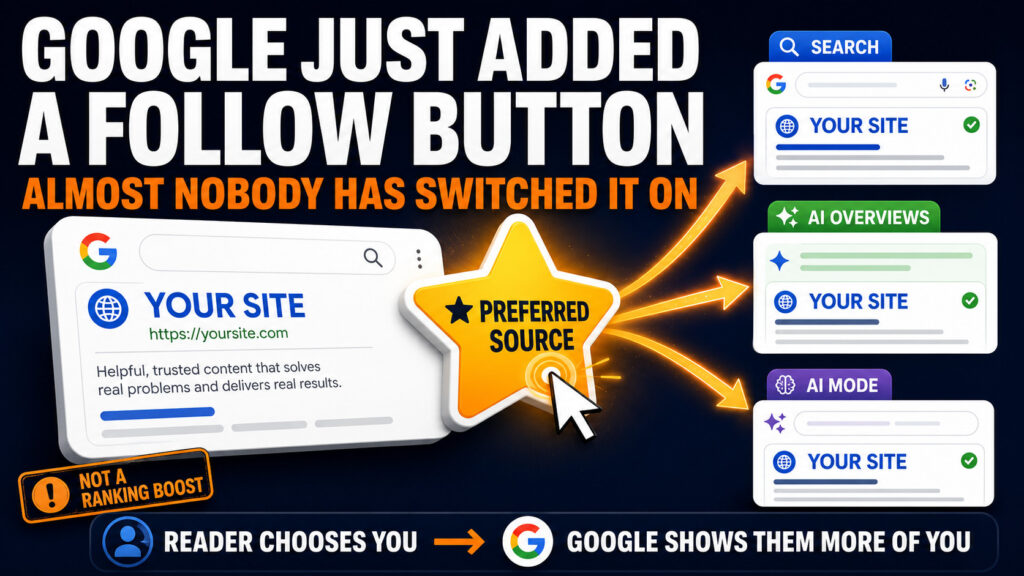
Google quietly added a way for readers to tell it which sites they want to see more of. Almost nobody has switched it on yet, and it takes about five minutes.
It is called Preferred Sources. A reader clicks a button on your page, picks your site, and from then on Google is more likely to show them your content. Since August it feeds AI Overviews and AI Mode as well as Top Stories.
Two things worth being straight about before you spend the five minutes:
- It is not a ranking boost. It changes what one reader sees, not where you sit for everyone. Anyone selling it as an SEO trick is overselling it.
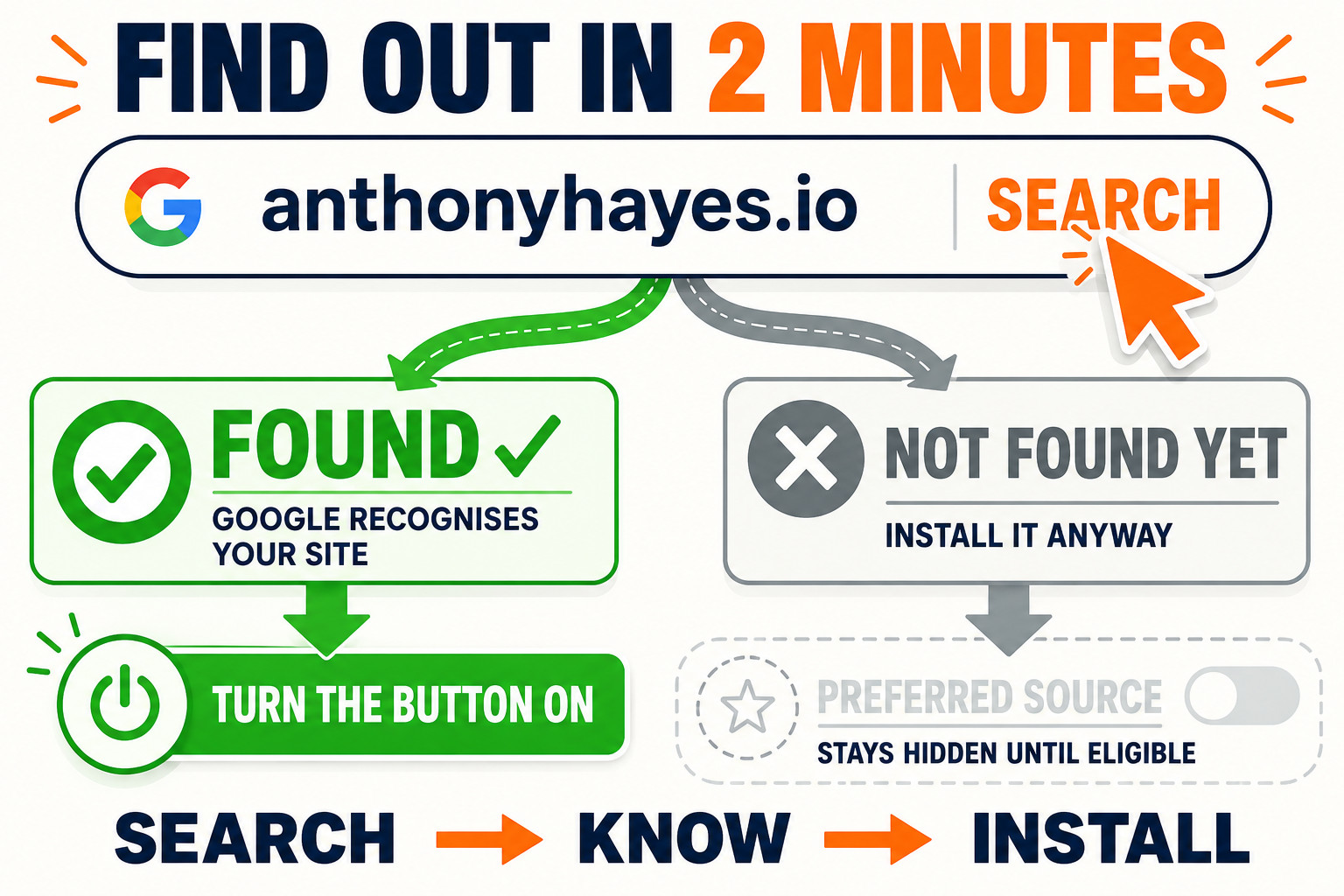
- It only works if Google already knows your site. Domains and subdomains only, and you have to appear in Google’s tool. Two minutes to check.
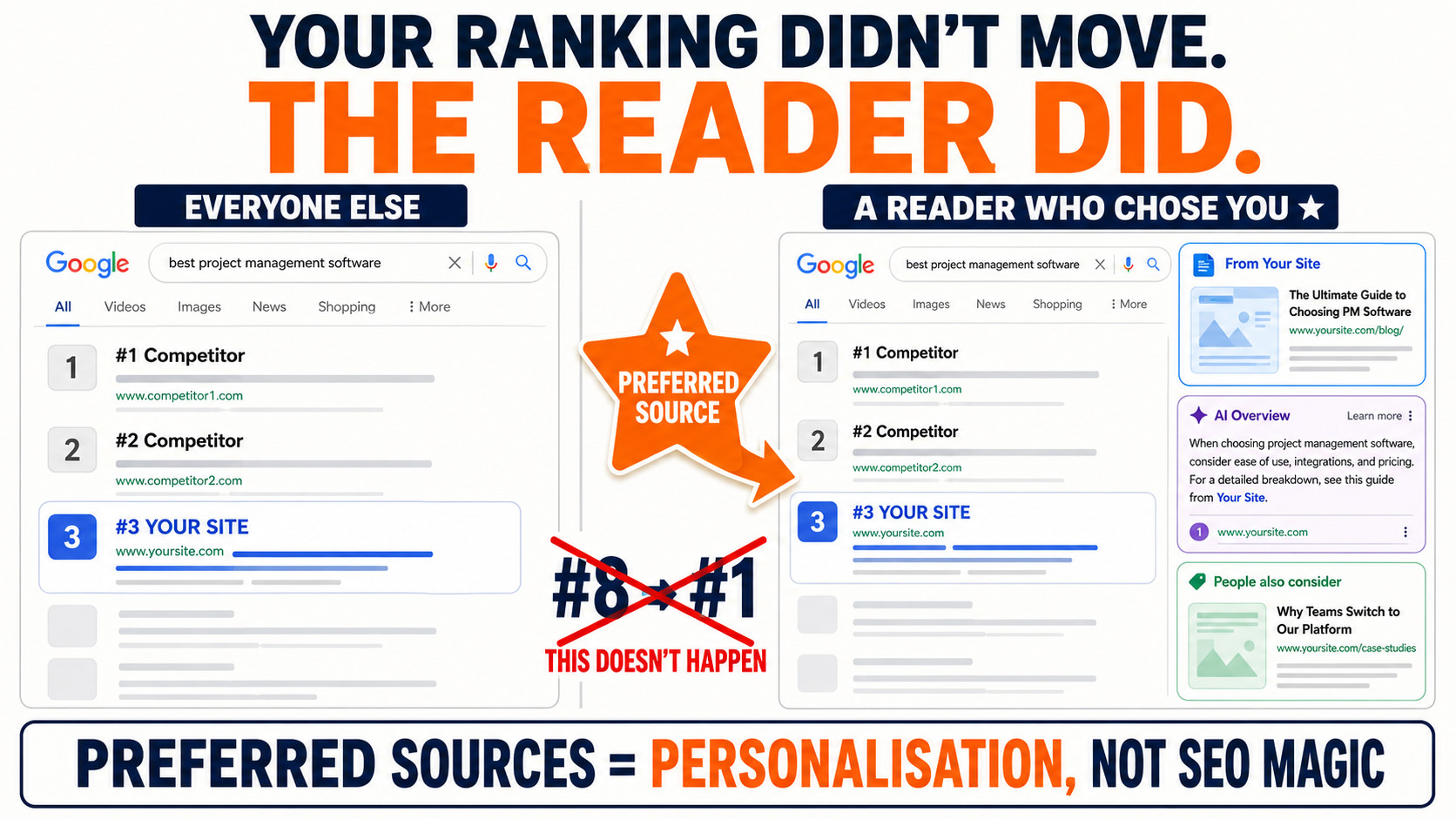
That said, if you publish regularly and people come back to you, this is the good kind of visibility. It is the closest thing Google has to a follow button.
Find this useful? Add us as a preferred source on Google and more of what we publish will show up in your results.
The five minute version
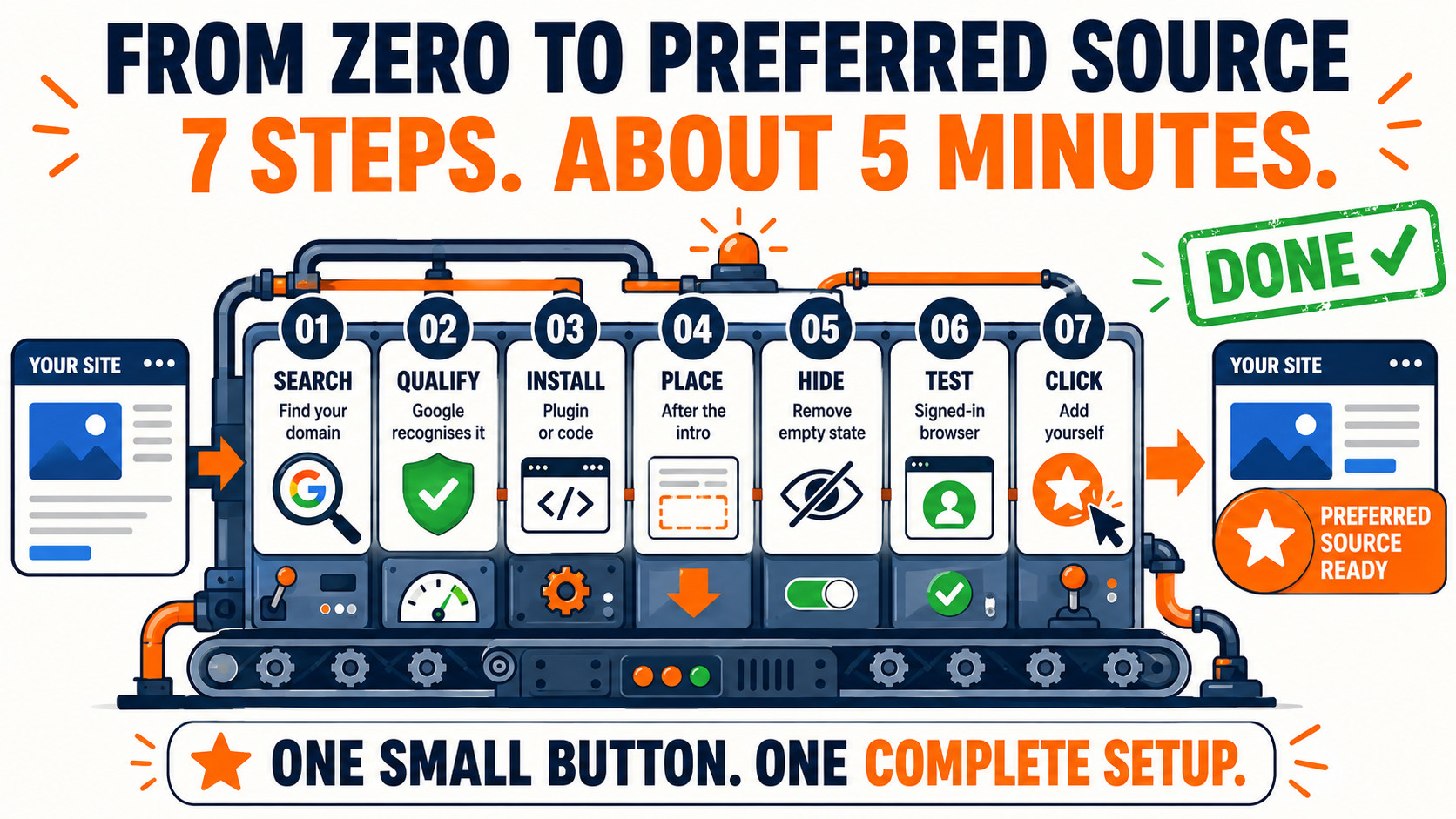
Tick these off as you go. Your progress is remembered on this device.
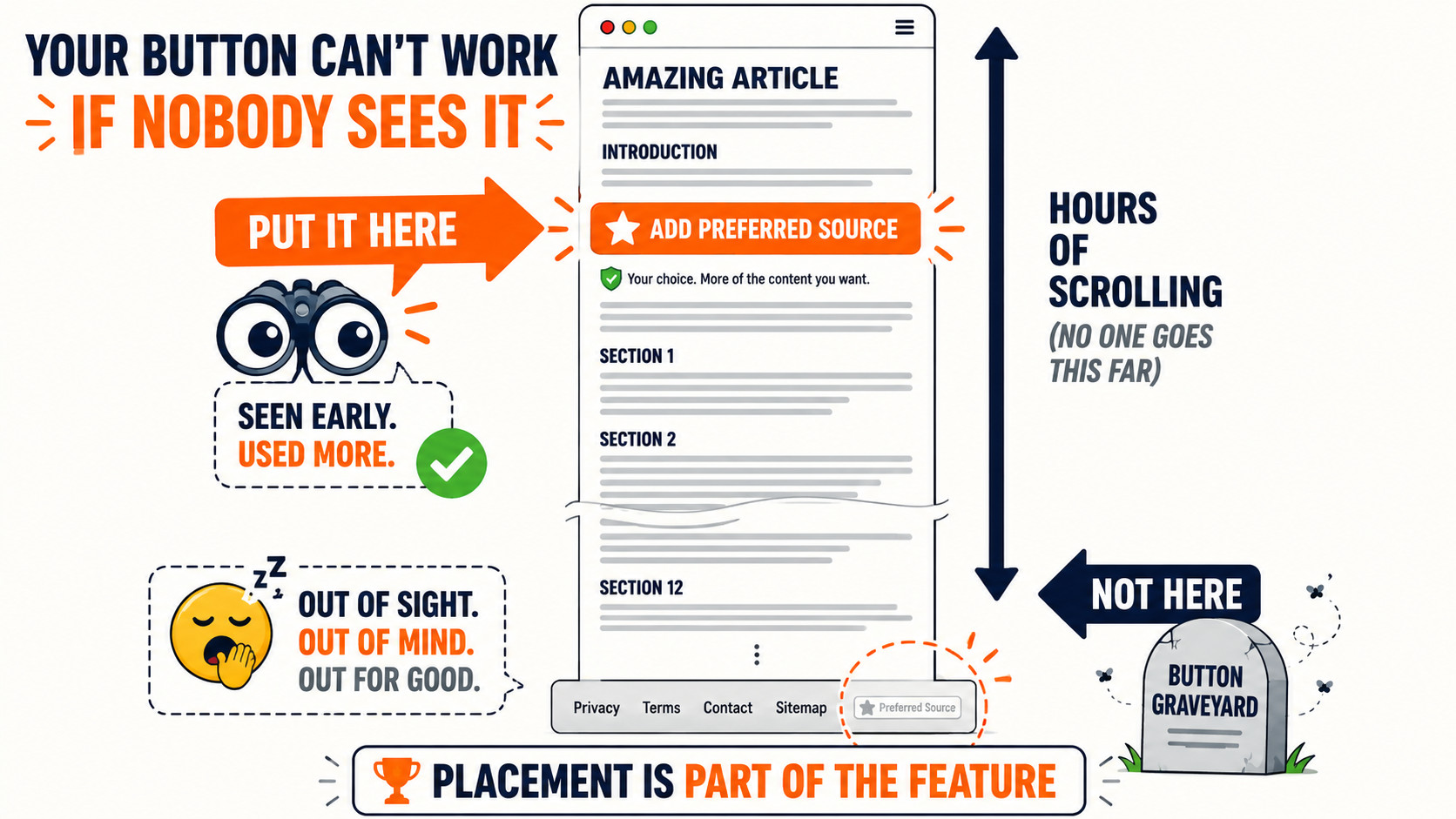
0 of 7 done
The one that catches people out
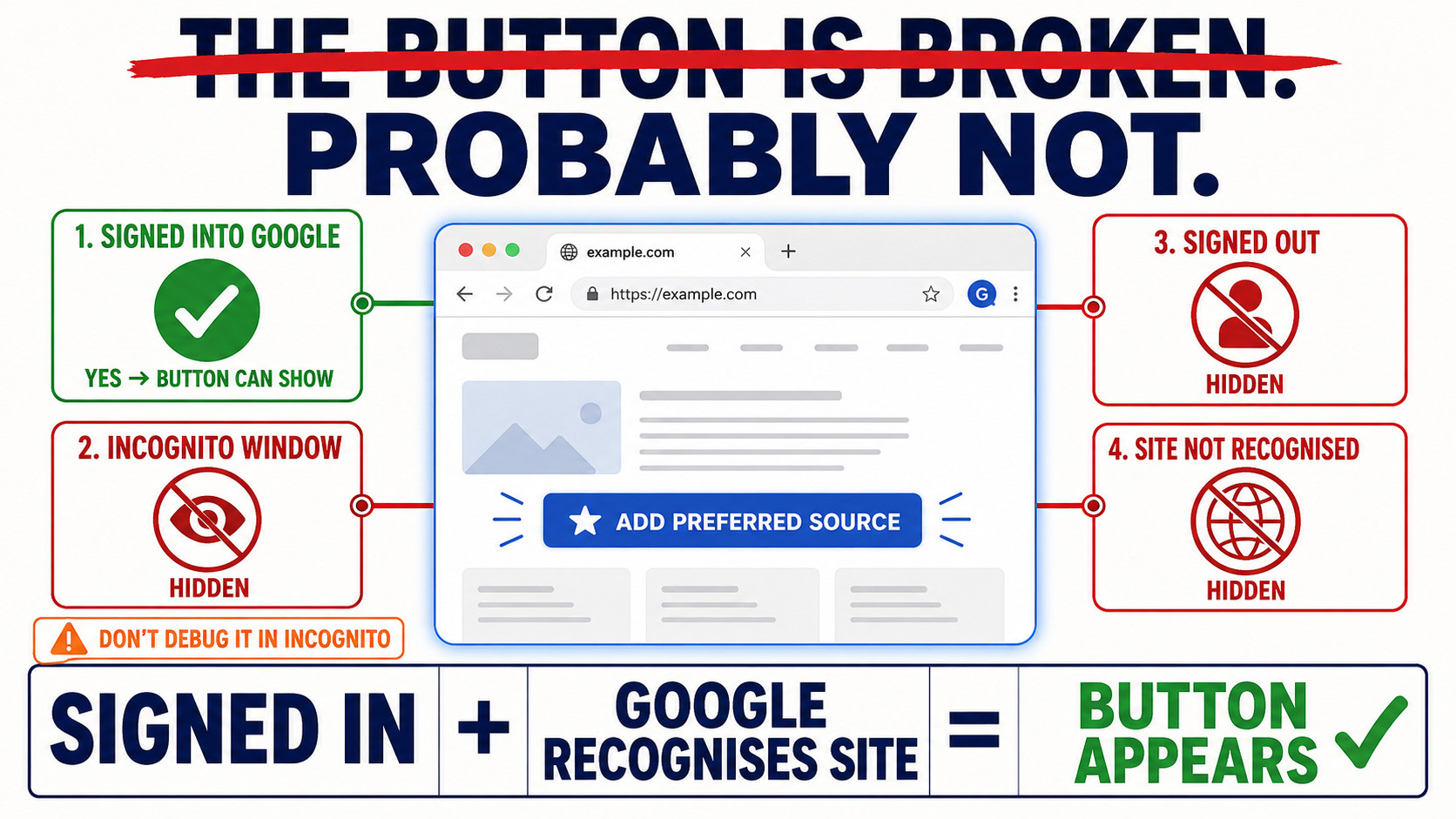
The button only renders for a visitor who is signed in to Google, on a site Google recognises. So it will look broken when it is not: in a private window, in most automated browsers, and for signed-out readers.
Which matters more than it sounds, because if you paste the raw snippet from Google’s docs and write a caption next to it, some of your readers will see the caption with nothing beside it. Whatever you use, make sure the whole block hides itself when the button does not load.
If you are on WordPress
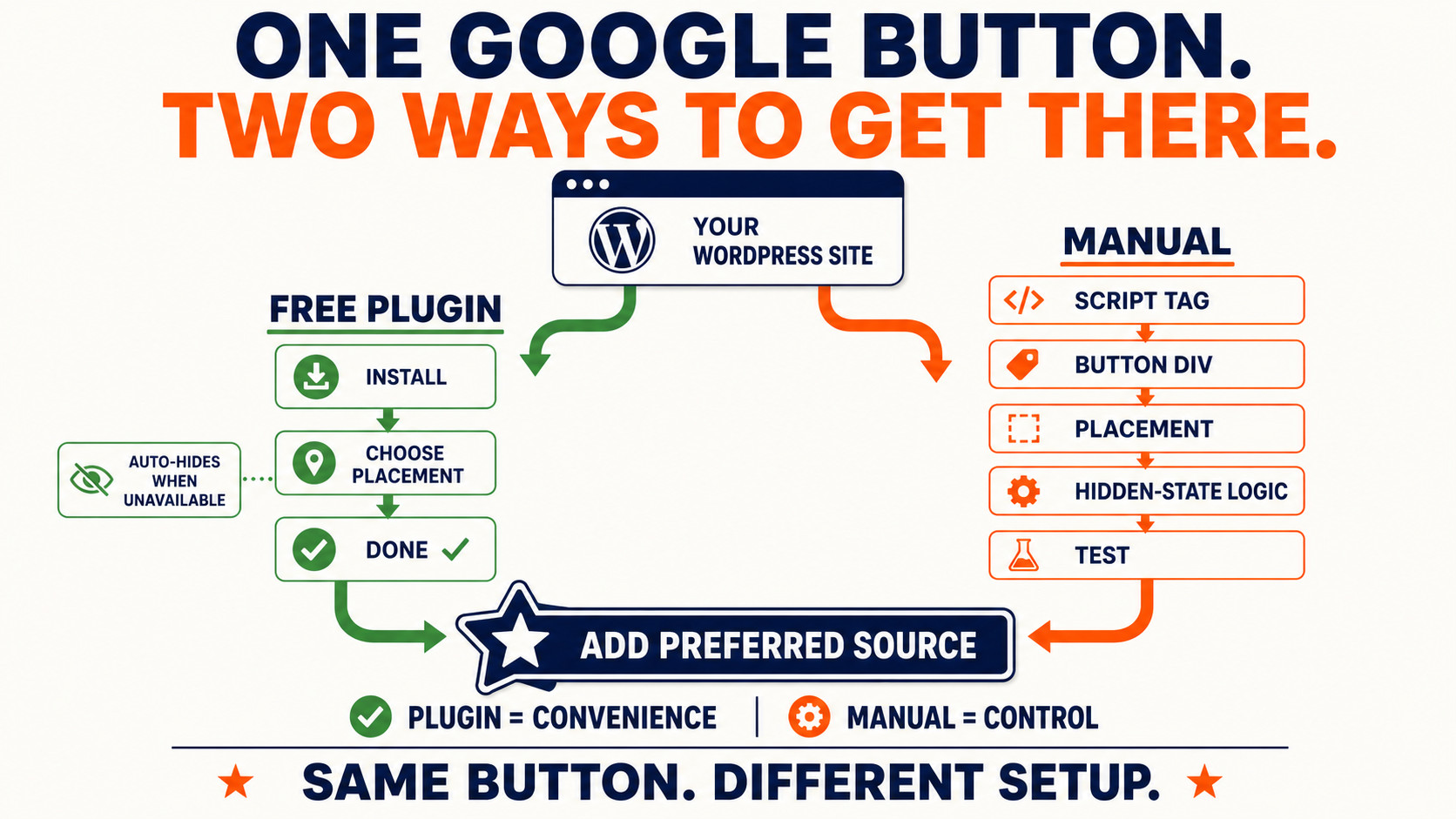
I built a free plugin that does the whole thing, including the hiding part: Preferred Sources Button. There is a live button on that page you can click to test it before installing anything, and the plugin is a free download, no signup.
If you would rather do it by hand, Google’s own instructions are in the Search Central docs. It is one script tag and one div.
Free plugin
Add the button in about five minutes
Google’s official button, placed where you want it, and hidden automatically when it cannot render. Free, GPL, no signup.