Keyword Research › Keyword Ideas for Specific Channels
YouTube keyword research
Use Google Keyword Planner to find and sort topic ideas for YouTube research. Its search volume comes from Google Search, so treat it as one clue, then check whether each idea fits a video.
Google Keyword Planner reports Google search data, so its search volume can't tell you directly how many people search for a topic on YouTube.
That number still gives you a place to start. Use it to spot related searches and compare ideas, then check each one against what people are watching on YouTube.
In this guide, you'll build a shortlist of video topics without treating Google search volume as YouTube demand.
I’m Tony Hayes. I’ve been building marketing software since 2011, and I build everything with AI today, without writing code myself.
Here’s the process: open Planner, find keywords around a video topic, choose ideas for a shortlist, check each idea for YouTube fit, then use that shortlist to make a research decision.
The goal is a useful set of video ideas, with Google’s data kept in its proper place.
The steps at a glance:
- Open Google Keyword Planner
- Find keywords around a video topic
- Choose the right keywords for a shortlist
- Analyze each idea for YouTube fit
- Turn the shortlist into a video research decision
Find this useful? Add us as a preferred source on Google and more of what we publish will show up in your results.
Step 1: Open Google Keyword Planner
Sign in to your Google Ads account, then open the tools menu and select Keyword Planner. The tool is free to access, though Google may ask you to set up an Ads account first.
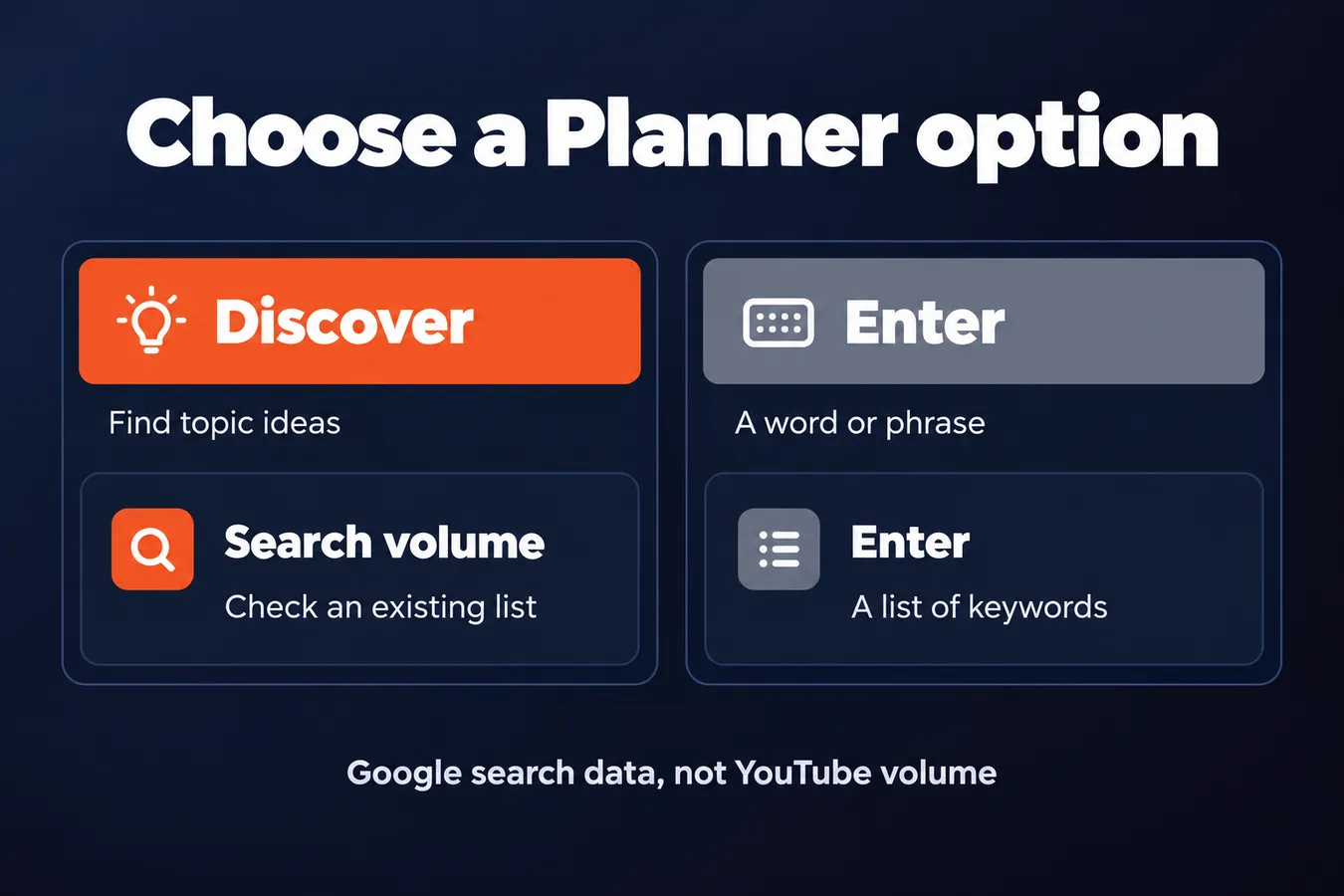
You’ll see 2 research options.
Choose Discover new keywords when you need topic ideas. Enter a word or phrase connected to your YouTube channel, and the planner will return related keywords you can review.
Choose Get search volume and forecasts when you already have a list of keywords. Paste them in to check the search volume and forecasts Google provides for those terms.
I use these options for different jobs. Discover new keywords helps me find ideas; the volume option gives me a quick way to inspect a list I’ve already collected.
Keep the source of the data in mind.
Google Keyword Planner is built for planning Google Ads campaigns. Its keyword and volume data can give you a useful starting point for YouTube research while describing Google search activity.
Use the planner to find related topics and get a rough sense of search demand. Then treat those results as one input when deciding what to make for YouTube.
Choose the right Keyword Planner option
| Option | Use it for | What you enter |
|---|---|---|
| Discover new keywords | Finding topic ideas | A word or related phrase |
| Get search volume and forecasts | Checking an existing list | A list of keywords |
Step 2: Find keywords around a video topic
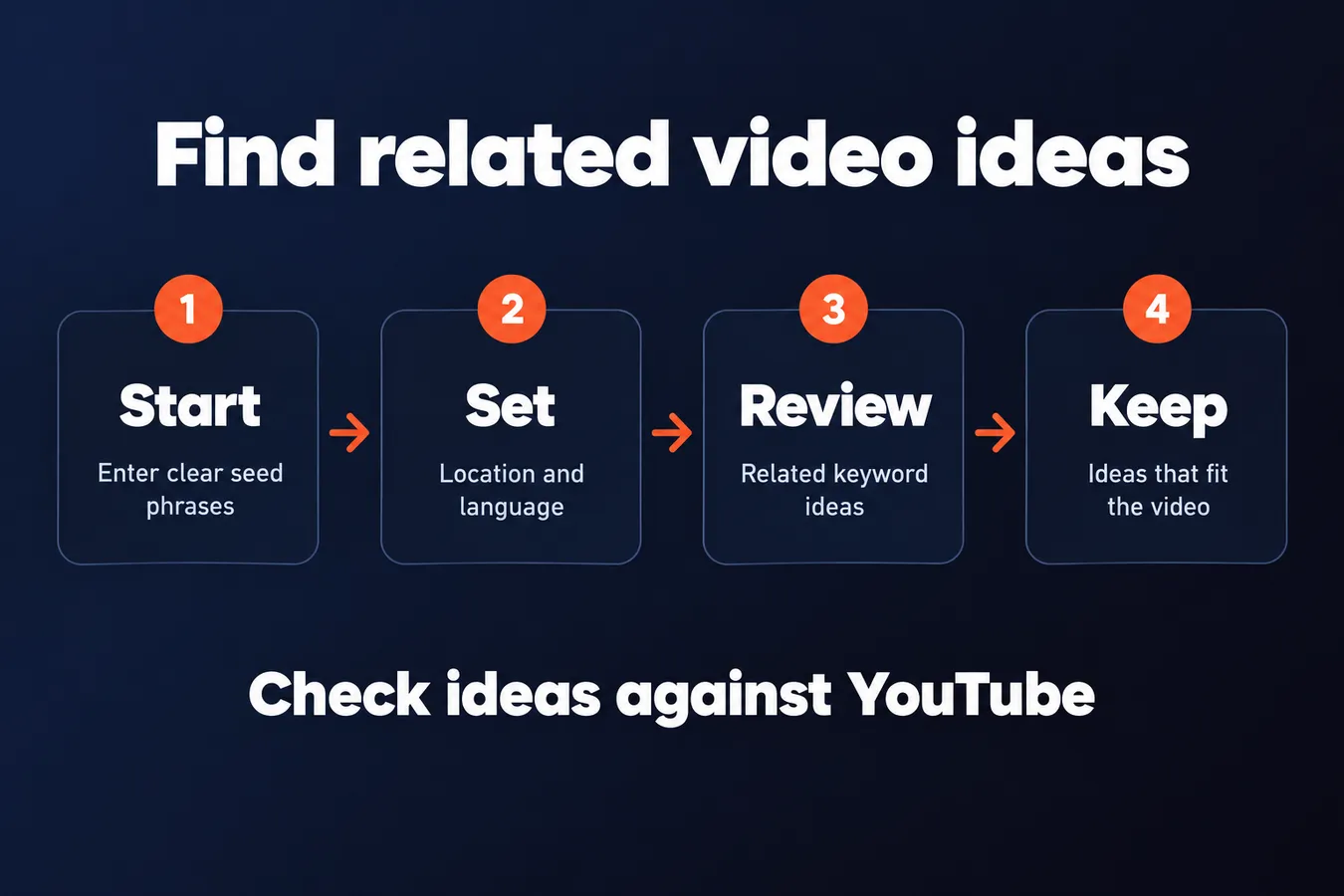
Start with a few clear seed phrases that describe the viewer’s problem, task, or question. For a video about pruning tomato plants, you might enter phrases like “how to prune tomato plants” or “when to prune tomatoes.”
Give the keyword planner a clear starting point.
In Google Keyword Planner, open the option to discover new keywords and enter your phrases. Set the location and language to match the audience you’re researching. Those settings shape the search ideas and volume the tool shows, so choose the market you actually want to reach.
Now review the related ideas. Look for wording that points to a useful angle, such as a specific task or question, then remove terms that don’t fit the video or its viewer. A phrase can have search volume and still belong to a different audience or topic.
The planner’s results come from Google search and Google Ads research. They’re useful for finding related terms and topic ideas, and you can use the free tool without building a campaign. The numbers estimate Google search activity, so use them as context for YouTube searches.
That distinction matters when you’re planning videos.
I use Google Keyword Planner as one input in research. It helps me spot ways people describe a subject, then I decide which ideas make sense for a video. Treat the results as prompts for your topic research, then select the ideas that fit when building a YouTube keyword list.
Use the ideas to shape the video, then check them against YouTube.
Step 3: Choose the right keywords for a shortlist
Look at average monthly searches, competition, and any other Google Ads data the Planner shows. These figures are clues about Google search demand for a keyword. They give you context for your research, but they don’t tell you how many people search for the same phrase on YouTube.
Use Planner data as a guide, then judge the topic itself.
Read each phrase as a viewer question or need. “How to prune a rose bush” points to someone looking for instructions. “Rose bush pruning mistakes” suggests a viewer who wants to avoid a bad cut. Those are related keywords, but they could lead to different videos.
Group close variations under one potential video topic. If several phrases ask for the same answer, you likely have one clear idea to evaluate rather than a separate video for every wording.
Google Ads competition and bid estimates describe advertiser activity in Google Ads. They don’t measure how hard it is to rank a YouTube video, so don’t use them as a YouTube difficulty score.
I use the free Google Keyword Planner as one input in keyword research. It helps me find ideas and compare search demand, while the video itself still has to meet a real viewer need.
Keep only topics you can answer clearly in one video.
A large volume figure won’t rescue a vague topic. Build a short shortlist of focused ideas that fit your audience and give each video a clear job.
Step 4: Analyze each idea for YouTube fit
Google Keyword Planner gives you ideas to research. Before choosing a keyword, check how people search for it on YouTube and what videos show up for the phrase and close variants.
Type the phrase into YouTube search and look at the suggestions. Then search the phrase itself and scan the current video results. You’re checking whether YouTube treats the keyword as a clear topic, and what kind of answers viewers expect.
The video results should make sense for the phrase you want to target.
Look for a match between the keyword, the videos viewers see, and the answer your planned video can provide. If the results focus on a different question or format, the Planner idea may lead you toward the wrong video.
Google Keyword Planner volume is supporting context for this decision. It comes from Google Ads research, so it doesn’t measure YouTube search volume, video views, or ranking difficulty.
Use the number to compare keyword ideas within your research, then use YouTube search and results to judge video fit. A promising volume figure alone can’t tell you whether the topic belongs on your channel.
That distinction keeps the tool in its lane.
If you want to compare Planner with other free research options, see Best Free Keyword Research Tools for YouTube.
Step 5: Turn the shortlist into a video research decision
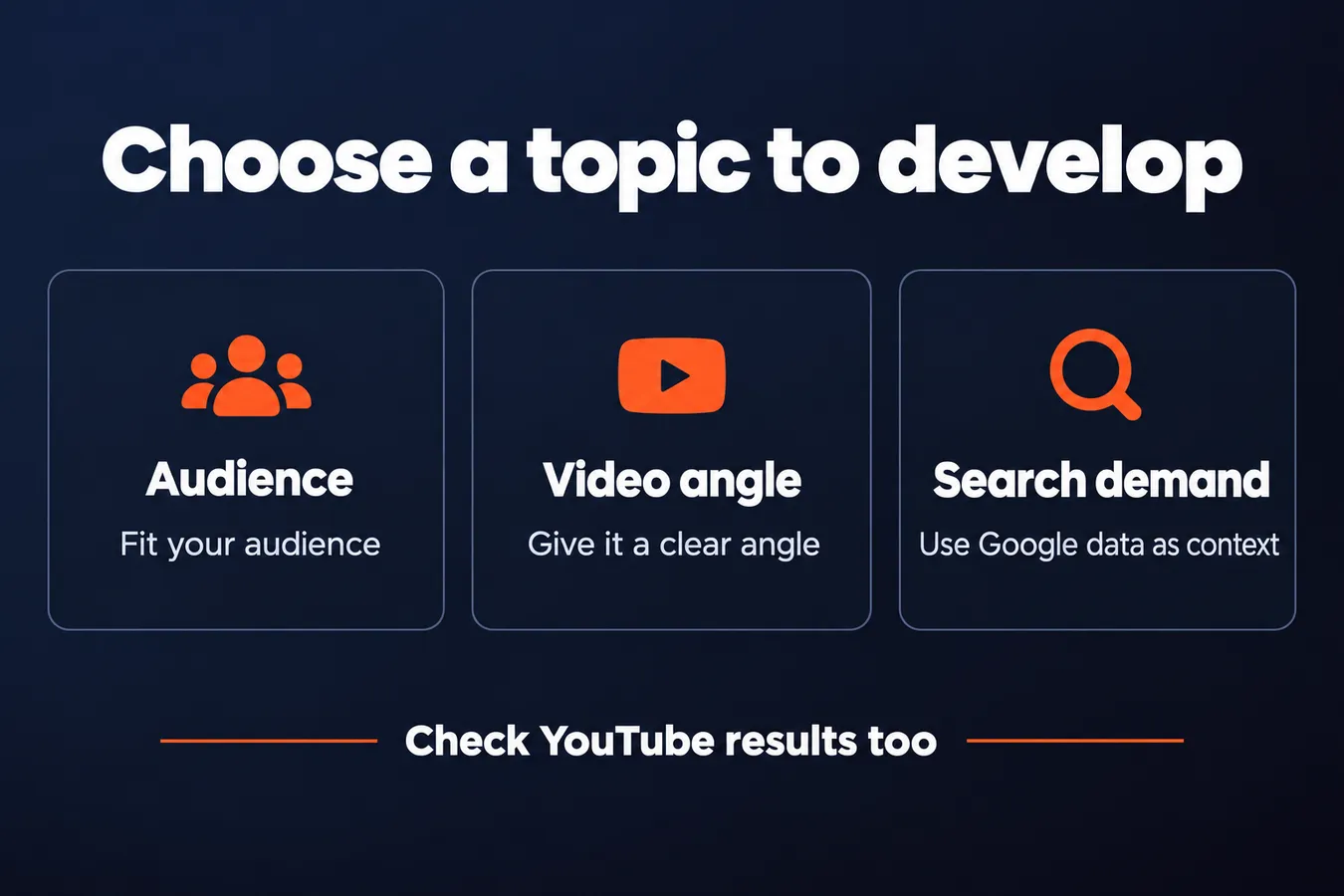
Now choose the topic you’ll develop. Look at 3 things: audience fit, a clear video angle, and supporting Google search demand.
A keyword with useful volume in Google Keyword Planner gives you one demand signal. The angle still needs to make sense as a YouTube video, and the audience needs a reason to care about it.
Pick the topic that fits your audience and gives you something specific to say.
Keep the evidence together as you decide. Record the main phrase, related keyword ideas, Planner data such as search volume, and the YouTube checks you made. That makes it easier to review why a topic made the shortlist, whether you’re planning a single video or a campaign.
Google Keyword Planner is a free tool within Google Ads. It can help you find keywords and related ideas based on Google search activity, but that data describes Google searches. It doesn’t show you exactly how people search for videos on YouTube.
Use Planner as one input in your research, with YouTube checks beside it.
That work shapes how I use tools: each one has a role. Google Keyword Planner can inform a topic decision, while the YouTube research process helps you judge the video itself.
For the full process, read [Build a YouTube Keyword Research Workflow]. It brings the research steps together so you can move from a keyword to a video topic with the evidence in view.
Frequently asked questions
Can I use Google Keyword Planner for free?
Yes. Google Keyword Planner is free to access through a Google Ads account, though Google may ask you to set up an account first. You can use Discover new keywords to find related ideas, or Get search volume and forecasts to check a list you already have.
Does Google Keyword Planner show YouTube search volume?
No. Its keyword and volume data describes Google search activity. Use it to find related phrases and compare ideas, then check YouTube search suggestions and video results to see whether each phrase fits a video topic.
How do I use Google Keyword Planner to find YouTube video ideas?
Start with a few phrases tied to a viewer’s problem, task, or question. Enter them under Discover new keywords, set the location and language for the audience you’re researching, then review related ideas. Keep phrases that fit your audience and group close variations under one potential video topic.
Does Google Ads competition tell me how hard it is to rank a YouTube video?
No. Google Ads competition and bid estimates describe advertiser activity in Google Ads. They don’t measure YouTube ranking difficulty. Use those figures as context for Google search demand, then review YouTube suggestions and results to judge whether your planned video fits the topic.
My Take: I use Google Keyword Planner as one input in video research. It gives me related phrases and a rough sense of Google search demand, which helps me shape a shortlist. Then I check the phrases on YouTube and look at the videos showing up for them. That second check tells me whether the topic and the answer I plan to make belong together. I keep that distinction clear because the Planner’s numbers describe Google searches. They don’t measure YouTube searches, views, or ranking difficulty. The job is to bring the evidence together: audience fit, a clear video angle, Planner data, and what YouTube shows for the phrase. That gives me a useful basis for choosing what to research further.
Aha Studio
Get the next playbook first
New playbooks and LaunchWatch reports land in Growth Signals, the free newsletter, along with the case studies and how-tos I find worth stealing.