
Keyword Research › Keyword Ideas for Specific Channels
YouTube keyword workflow
You’ll get a 12-step workflow for choosing YouTube topics that fit your channel, match real searches, and give your audience a reason to watch. The key is to judge each idea against all 3 checks before you plan a video.
A useful YouTube topic has to pass 3 checks: it fits your channel, matches a real query, and gives your intended audience a reason to watch.
A YouTube keyword research workflow helps you find, check, and prioritize topics by looking at channel fit, search intent, and audience needs. The steps below show how to build one with free and paid tools.
You’ll get 12 steps for finding, checking, and prioritizing topics.
I’m Tony Hayes. I’ve been building marketing software since 2011, and today I build everything with AI, without writing code myself.
The workflow has 4 sections: set boundaries for your channel and audience, expand seeds into YouTube queries, study existing videos and intent, then score ideas and keep the process moving.
Let’s start with the channel you’re building for.
The workflow at a glance
| Section | Purpose |
|---|---|
| Set channel and audience boundaries | Define viewers, questions, and themes |
| Expand seeds into YouTube searches | Find related phrases and assess demand |
| Study videos and search intent | Review results and identify viewer needs |
| Score ideas and keep the workflow moving | Prioritize topics and save findings |
Find this useful? Add us as a preferred source on Google and more of what we publish will show up in your results.
Set the channel and audience boundaries
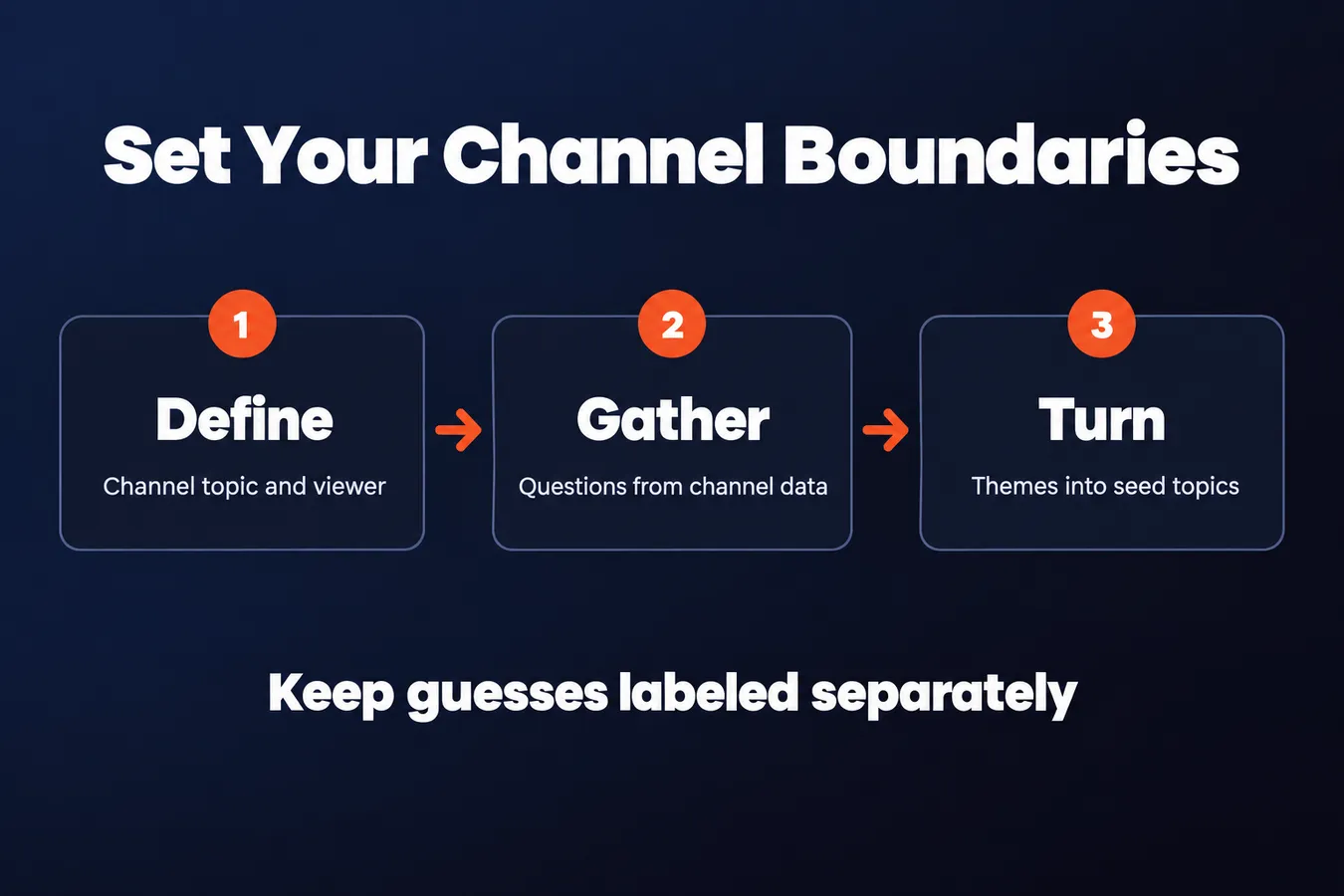
1. Define the channel's topic and viewer
Write down your channel’s core subject, who it serves, and the problem or interest that brings that viewer to YouTube. Keep the topic tied to what the channel covers and what its audience wants from a video.
A useful keyword starts with a clear viewer and a clear reason to watch.
2. Gather audience questions from channel data
Look through YouTube Analytics for videos that attract viewers, search terms shown in the research reports, and patterns in watch behavior. Then read comments for repeated questions, confusion, and requests for follow-up videos.
Keep audience signals separate from guesses.
Both can go into your keyword research, but label them clearly. This distinction gives you a seed list grounded in real channel data, while still leaving room to explore ideas the data hasn’t confirmed.
3. Turn channel themes into seed topics
List the main themes your channel can cover, then add a few broad seed phrases under each one. Pull those seeds from audience questions and themes already present in your videos.
Record each seed with its theme and the viewer need it may serve. This gives your YouTube keyword research a focused starting point before you expand into individual queries, compare keywords, or bring in a keyword tool.
Expand seeds into YouTube searches
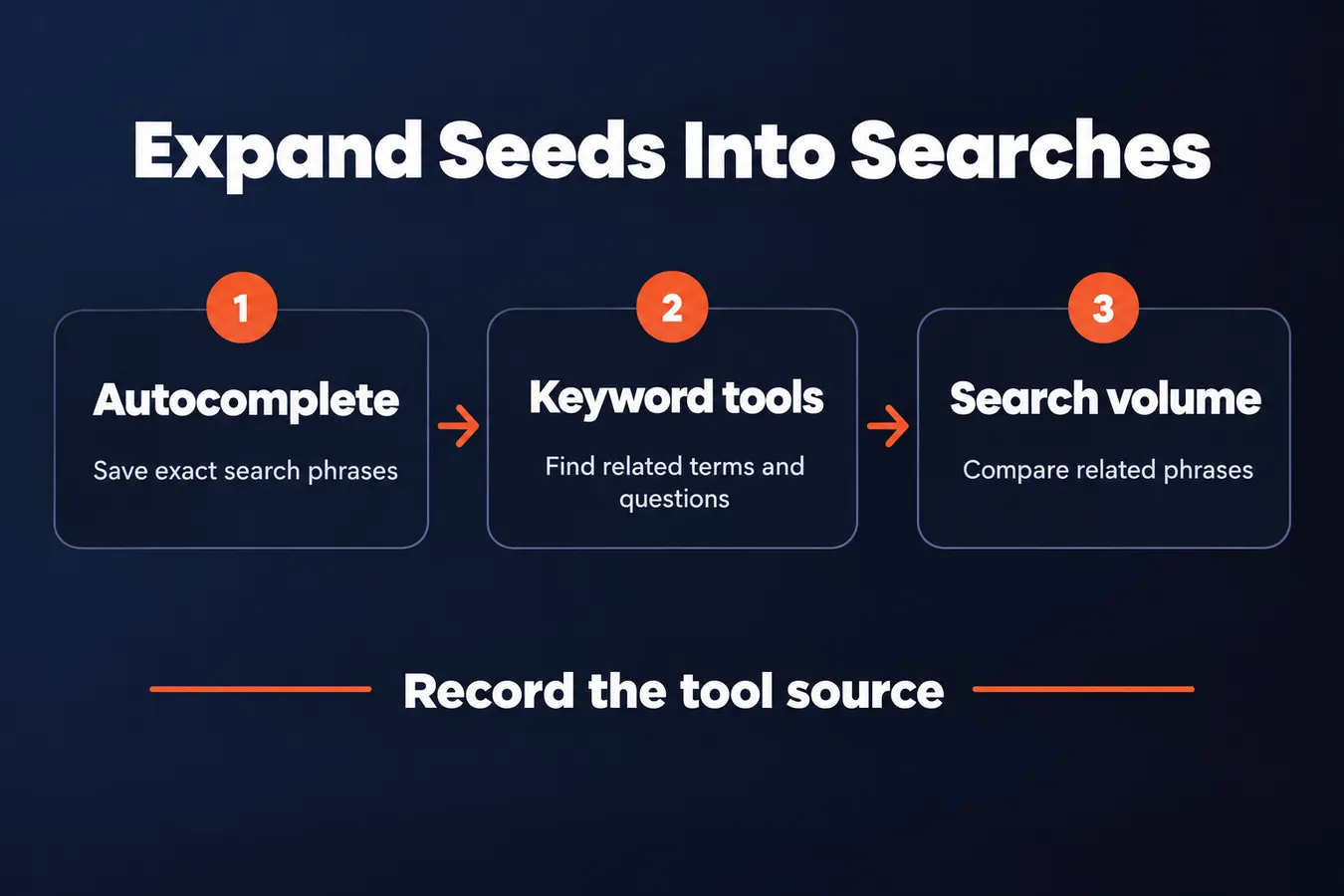
4. Expand each seed with YouTube autocomplete
Enter a seed keyword in YouTube autocomplete and note suggestions that fit your channel. These phrases show how viewers describe related subjects in their own searches.
Try adding a task, an audience, a problem, or a format to the seed. For example, a broad subject can lead to queries focused on a particular task or format.
Save the exact phrases for later checks.
Autocomplete gives you topic clues, while search volume and other keyword research data help you assess demand. Keep those jobs separate as you build the workflow.
5. Generate a list of video ideas with keyword tools
Use a free or paid keyword tool to expand your seeds into related keywords, questions, and longer phrases. Each suggestion gives you another angle to compare against your channel’s offerings and viewer needs.
When several tools are available, compare their suggestions and keep the ideas that fit your viewers. A phrase can look relevant on its own and still lead to a video your channel wouldn’t make.
The goal is a useful pool of video ideas.
If you’re choosing where to start, see the separate guide to the best free keyword research tools for YouTube.
6. Check search volume in context
When a tool provides search volume, record which tool supplied the figure. Volume is an estimate based on that tool’s data, so use it to compare related phrases rather than treating it as a complete measure of demand.
Then ask whether the phrase describes a video your audience would actually choose. A higher figure only matters when the query fits the channel and points to useful content.
Use volume as one input in your decision.
Google Keyword Planner offers another research view. The hub’s guide to using Google Keyword Planner for YouTube research explains that method.
Study videos and search intent
7. Review videos already appearing for the search
Enter the exact phrase on YouTube and look at the videos that appear. Note what each title promises, the format and angle, and whether the results seem to answer the same viewer need.
The results show you what viewers are being offered.
Look for a useful gap you can fill with a specific, credible video. A different angle only matters if it still serves the reason someone searched.
8. Identify the searcher's intended answer
Ask what someone expects to learn or do after entering the phrase. Sort the idea by intent: learning a process, comparing options, fixing a problem, or finding inspiration.
A good keyword match starts with the answer the viewer wants.
If one phrase points to several different answers, narrow it to a more specific subject. That gives your video a clear purpose and makes it easier to shape the title and outline.
9. Check whether the channel can deliver the topic
Confirm the subject belongs on your channel and that you have the knowledge to make a useful video about it. Then check that the idea supports a clear title, a focused outline, and a real answer to the viewer's question.
Choose topics your channel can serve well.
A keyword tool or search volume data can help you find ideas, but your audience and content still need to fit. Remove or reshape topics that would pull the channel away from its audience.
Score ideas and keep the workflow moving
10. Score each topic with a simple decision grid
Give each topic a rating for 4 things: audience fit, search evidence, clarity of intent, and your channel’s ability to deliver. Use the same criteria for every idea so you can compare them fairly.
Add a short reason beside each rating.
A search-volume figure from a keyword tool is one piece of data. Your notes should also explain who the video serves, what viewers seem to want, and whether you can give them a useful answer.
11. Choose a topic and shape its video promise
Pick a shortlist idea with a clear audience, clear intent, and a useful answer. Then write a working title that states the subject and benefit in plain language.
Make sure the video can keep the promise in its title.
Keyword research should guide the concept. If a phrase makes the title sound awkward or points to a video your channel can’t deliver, choose a better fit from your shortlist.
12. Save the findings and repeat for the next video
Keep a sheet with the seed, related keywords, search source, volume if available, audience signal, competing video notes, intent, score, and working title. Track each idea as shortlisted, planned, published, or set aside, then add what you learn after the video goes live.
Good research gives your next video a place to start.
I’m Tony Hayes. I’ve been building marketing software since 2011, and I build everything with AI without writing code myself. I make tools for work across a whole marketing process, so I like a YouTube keyword research workflow that carries its findings forward instead of leaving ideas scattered across tabs.
Frequently asked questions
What should I use as the starting point for YouTube keyword research?
Start with your channel’s topic, the viewer you serve, and the questions that bring them to YouTube. Check Analytics, research reports, and comments for audience signals, then group those questions under channel themes. Keep guesses labeled separately so you know which ideas come from real channel data.
How should I use YouTube autocomplete and keyword tools together?
Use autocomplete to collect the exact phrases viewers search for, then use keyword tools to expand those seeds into related terms and questions. Keep the suggestions that fit your audience and channel. If a tool provides search volume, record its source and treat the figure as an estimate for comparing related phrases.
How do I decide whether a keyword is a good video topic?
Search the phrase on YouTube and review the videos that appear. Check what they promise, the formats they use, and the viewer need they address. Then rate the idea for audience fit, search evidence, intent clarity, and your ability to deliver a useful answer.
What should I track in a YouTube keyword research workflow?
Keep a sheet with each seed, related keywords, the search source, volume if available, audience signal, notes on competing videos, intent, score, and working title. Track the idea as shortlisted, planned, published, or set aside, then add what you learn after publication.
My Take: That work shapes how I think about a YouTube keyword research workflow: the research should carry through the whole job, from a viewer question to a video you can actually make. I like keeping the findings in one sheet, with the audience signal, search evidence, intent, score, and working title together. Then the next video has a place to start, and the ideas don’t stay scattered across tabs. For video research, the same practical principle applies: connect each idea to the channel, the search, and the viewer, then keep a record you can use again.
Aha Studio
Get the next playbook first
New playbooks and LaunchWatch reports land in Growth Signals, the free newsletter, along with the case studies and how-tos I find worth stealing.