New from Anthony Hayes: Aha Studio
Get found by the people searching for what you sell.
SEO & AI Search · Directory sites
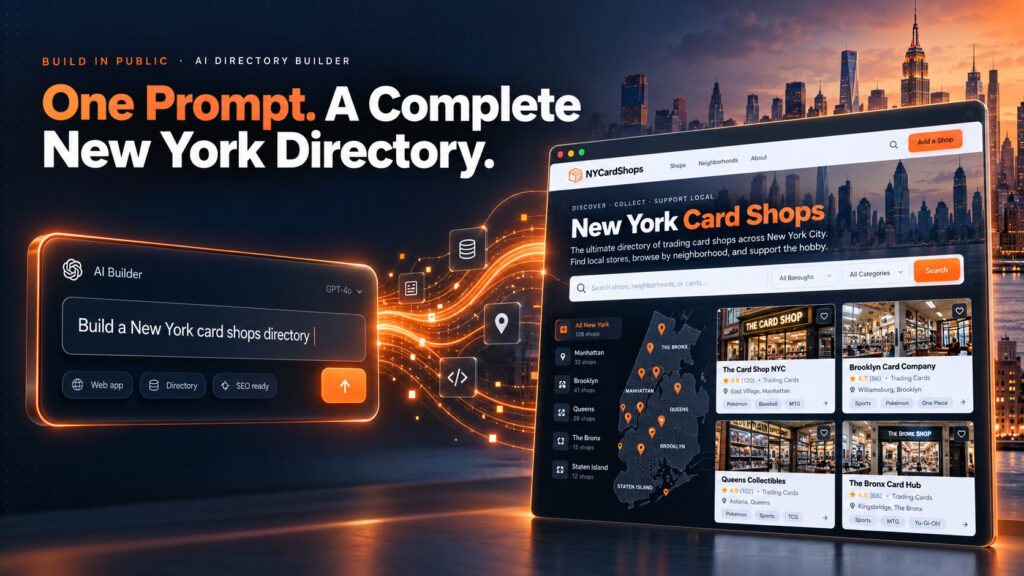
I saw a card shop directory getting about 100,000 visits a month, so I built one for New York, live on a webinar, from a single prompt. Here’s every step: where the idea came from, the prompt, the settings, the photos, the publish, and what I’d do next to make it worth ranking.
All I did was click a button two times.
One sentence went in. One click filled in the form from it, and one more click made images for the listings that didn’t have any. Then the site went live.
Here’s the whole thing, step by step.
Find this useful? Add us as a preferred source on Google and more of what we publish will show up in your results.
Step 1: the idea
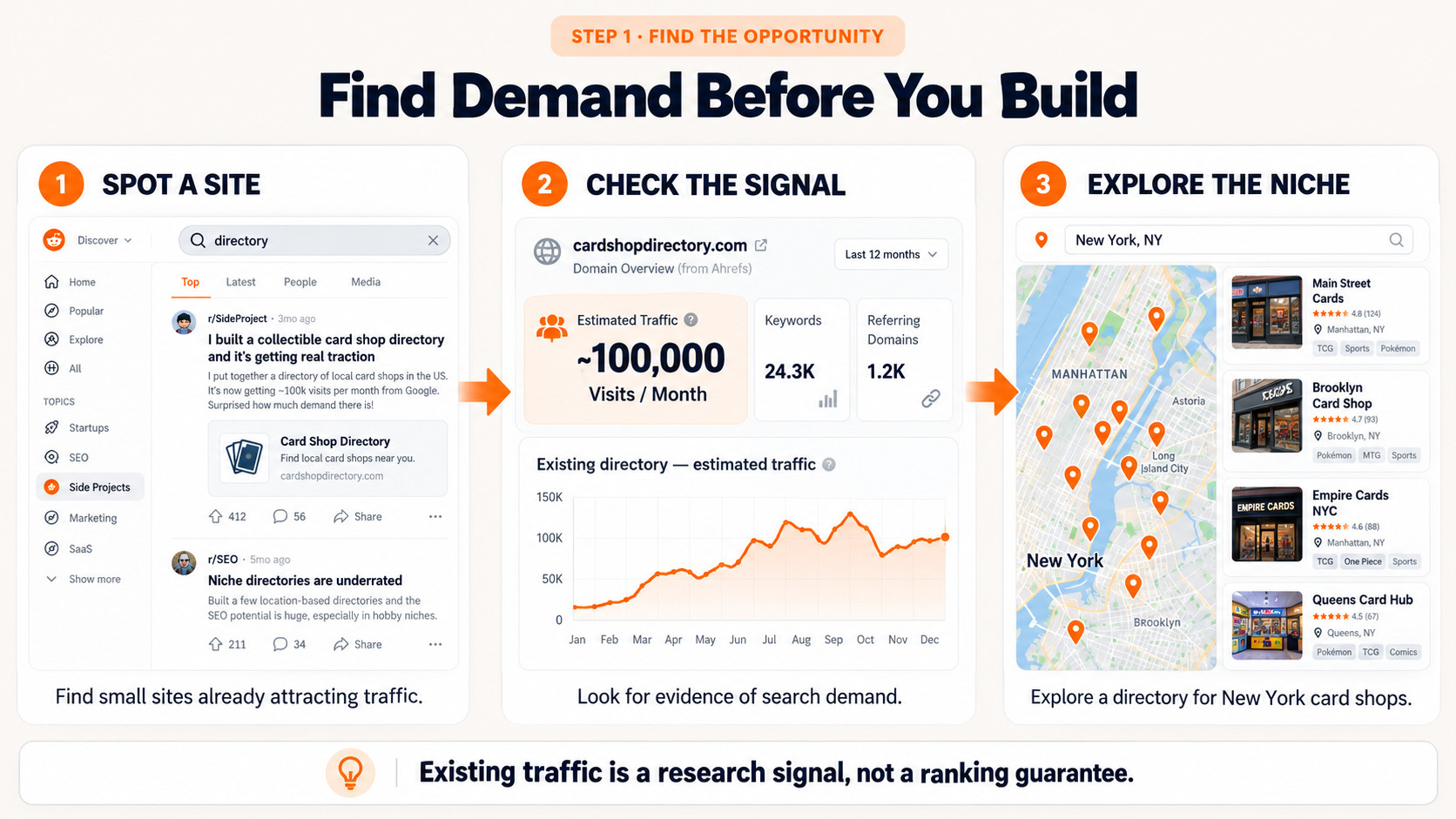
I keep an eye on Ian (@keywordian) on X, who posts small sites that are doing well. I’ve got an advanced search set up that finds any of his posts mentioning calculator, tool or directory.
One of them was a card shop directory getting about 100,000 visitors a month.
That’s the signal: people are searching for this, and a simple directory is catching it.
Step 2: scan the niche (optional)
In BuildMyDirectory I put in card shop and New York, New York, United States, and ran the Google scan.
It finds sites that are doing well but look beatable, judging by their backlinks and domain rating. Like any SEO tool, that’s an educated guess, but some sites are clearly stronger than others, and it tells you where you’ve got a chance.
Step 3: one prompt
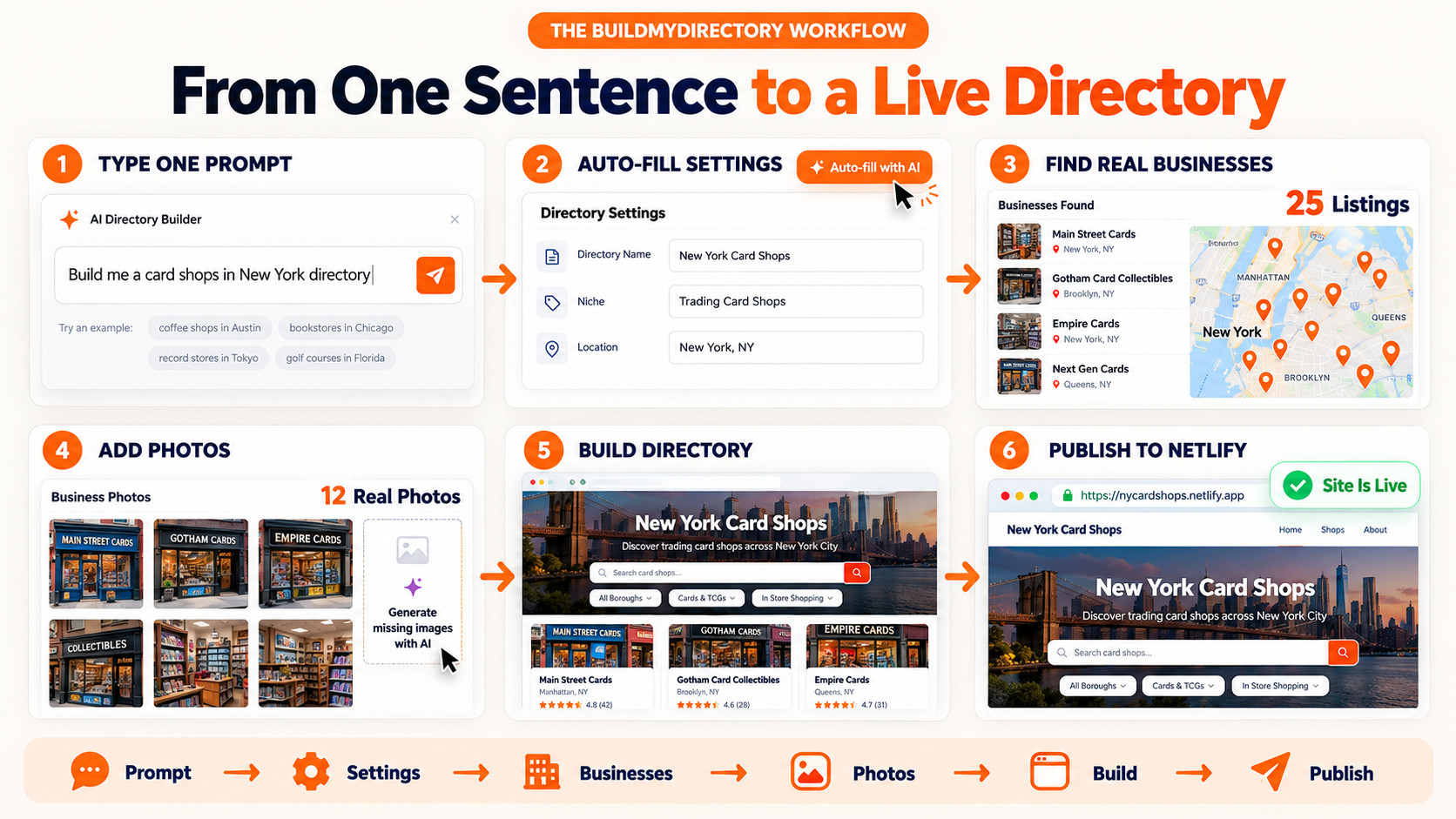
Then I typed:
“Build me a card shops in New York directory.”
And clicked to fill in the form. It filled in every field from that one sentence.
Step 4: the settings
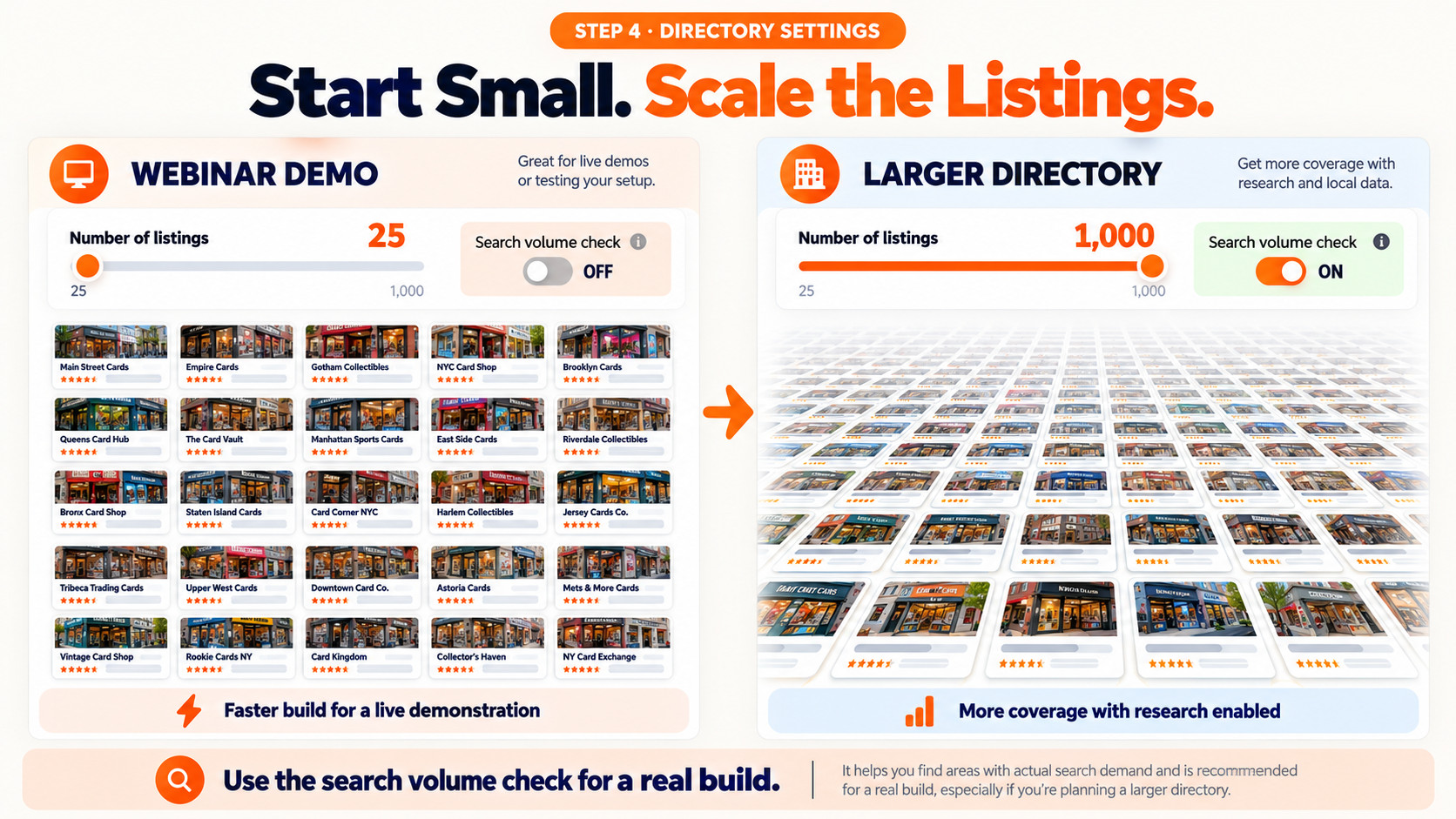
- Listings: you can go up to 1,000. I kept it at 25 for the demo, because directories take a little longer than the other workers.
- Search volume check: I skipped it to save time on the webinar. On a real build, leave it on.
Then: find real businesses. That part was very, very fast.
Step 5: photos
Of the 25 listings, 12 had real images from the business. It checks each business’s Google Business Profile and its own website.
For public places, Wikimedia often has a photo. A state parks directory has a much better chance there than card shops do.
For the listings with no real photo, I clicked again to generate images.
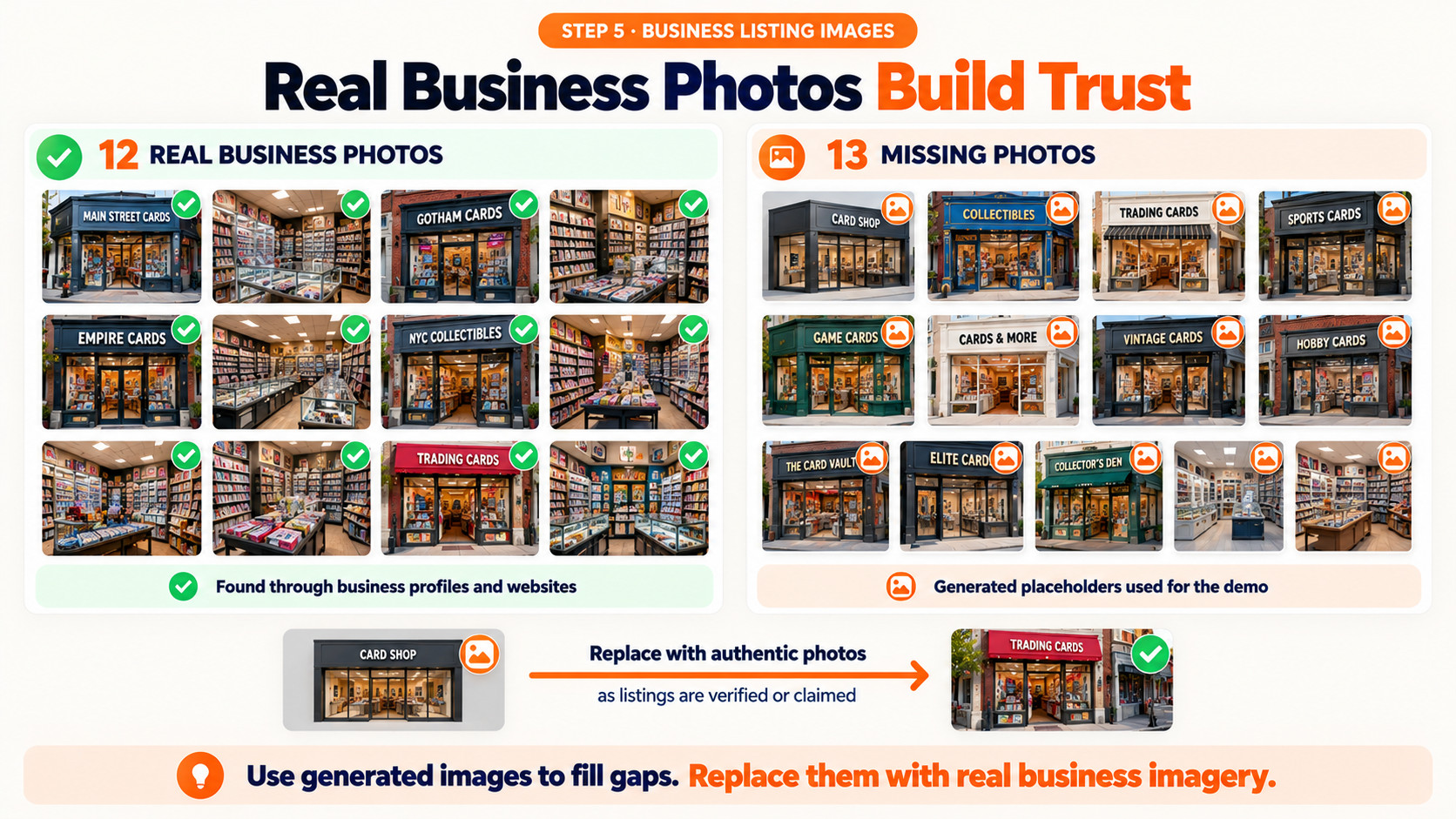
One honest note: on a real directory, I’d replace those generated images with real photos or logos from the businesses as they claim their listings. Real photos are part of what makes a directory worth trusting.
Step 6: build and publish
Then I clicked build the directory, and it was instant.
Deploy to Netlify, a few seconds, and a big green button: site is live.
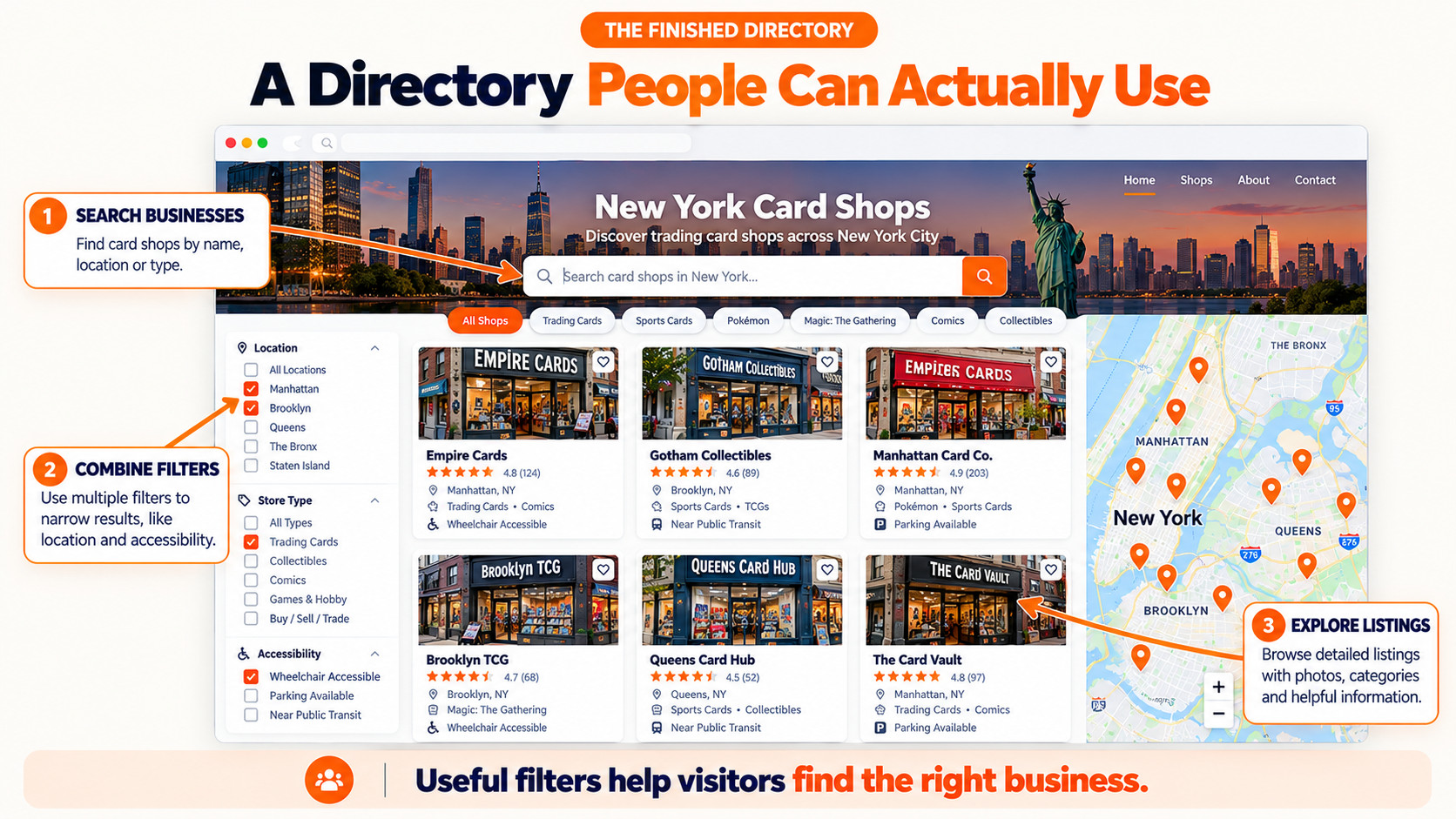
The finished site has card shops in New York with filters, like wheelchair accessible, and you can combine several filters at once. Stephanie has already done a better design for directories. We didn’t have time to test it before the webinar, so it was going live the next day.
What I’d do next to make it rank
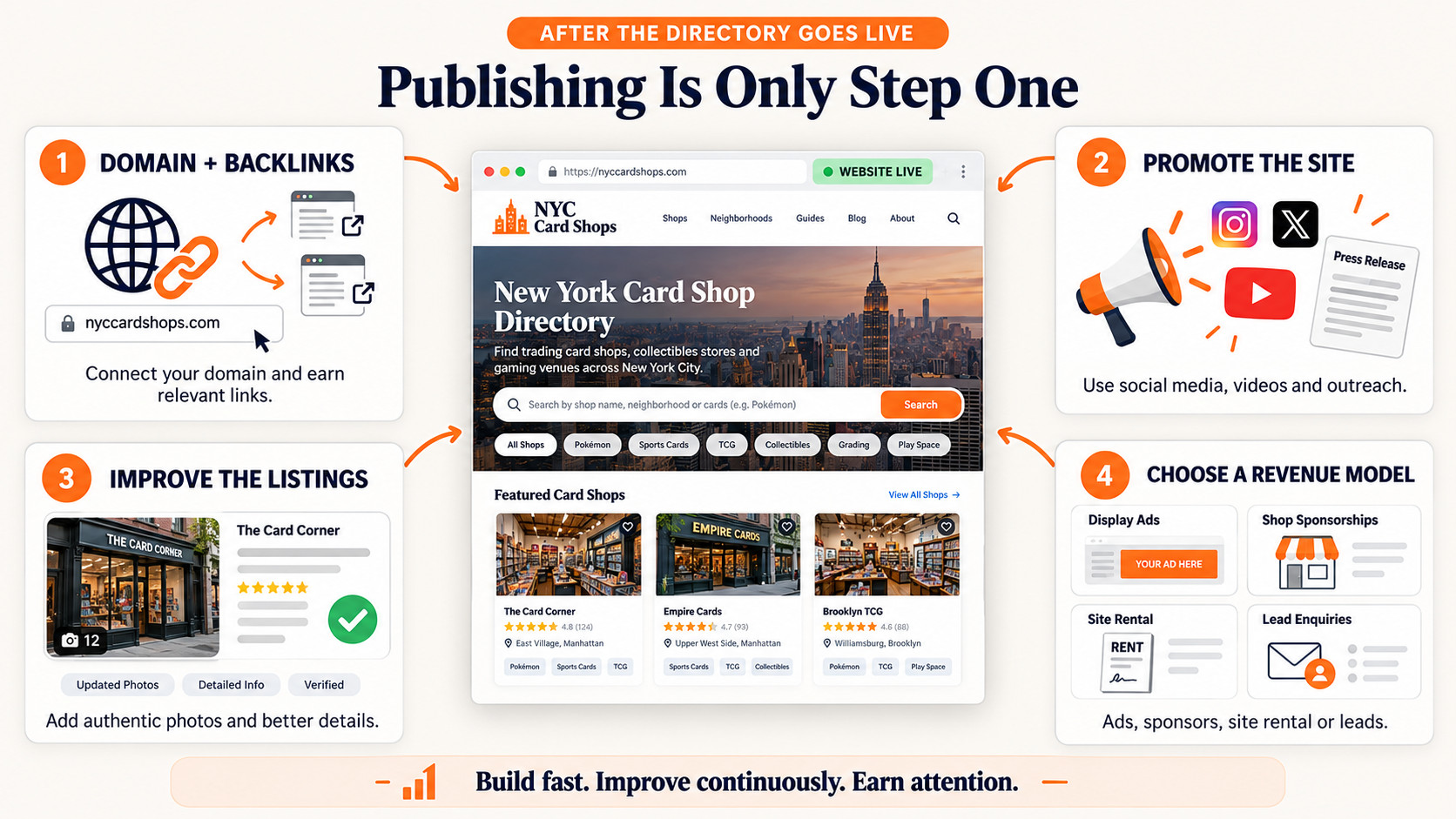
Building it is the quick part. To keep it live and growing:
- Put it on a custom domain and backlink it.
- Promote it: social media, videos, and press releases, which work well for directories.
- Turn the generated images into real ones as businesses get involved.
- Choose how it earns: advertising space, sponsorships, renting it out (rank and rent), or generating and selling leads.
And it’s yours. Whatever you generate with Aha Studio, you keep. That’s your content and your website.
My Take: There’s a website out there getting about 100,000 visits a month with a card shop directory. I typed one sentence, “build me a card shops in New York directory”, clicked twice, and had a live directory on Netlify a few minutes later. That’s very, very minimal input. Building it is now the easy part. Making it better than the one you saw, and getting it seen, is where you should spend your time.
Aha Studio
Build your own directory from one prompt
Try BuildMyDirectory free. No card, no account.